E-learning library: Online training
Improving Accessibility in Websites and E-Learning Courses
Digital services are truly effective when they are accessible to as many people as possible, regardless of individual circumstances. A clear structure, understandable content, and easy navigation help ensure that everyone can find their way around and use the content without difficulty.
In this training session, learn the essentials about accessibility and why it’s important for your business.
Let us show you the training in a web sessionAfter the training, your learners will know,
- What accessibility means and how it differs from “barrier-free.”
- how they design content and media so that they are accessible to as many people as possible.
- What are the technical requirements for accessibility?
After the training, your learners can
- how to implement accessible content in practice.
- Identify unconscious barriers.
- Make digital services more accessible and user-friendly.
What is the e-learning library?
Do you want to train your employees on trend and basic topics?
Our e-learning library is the budget-friendly ready-to-go solution for your internal training needs. Simply buy or rent – and get started right away!
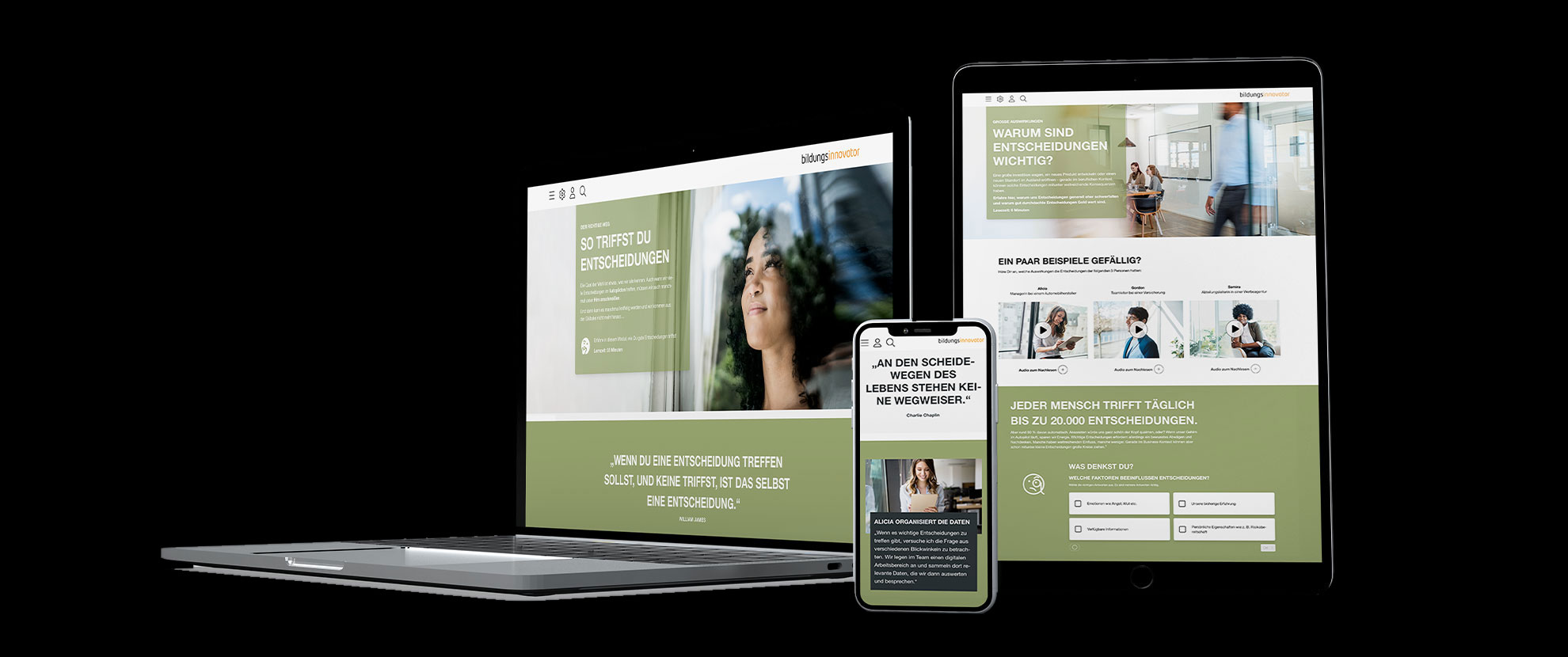
Contents of the online training

What does accessibility mean?
Digital services are truly effective when they are accessible to as many people as possible, regardless of individual circumstances. A clear structure, understandable content, and easy navigation help ensure that everyone can find their way around and use the content without difficulty.
Learn the basics about accessibility and why it’s important for your business.

How do I make content accessible?
Good content often seems self-evident, but this is precisely where many barriers arise. What seems clear and intuitive to some may be difficult for others to understand or even impossible to use. Digital offerings, in particular, quickly reveal just how differently people perceive and use content.
The next step involves addressing the questions regarding the design requirements.

What role does technology play in accessibility?
Accessibility doesn’t end with design. Technical implementation also determines whether content is truly usable. Even well-designed content can become inaccessible if it isn’t implemented correctly from a technical standpoint. Structure, code, and the tools used influence how content is interpreted by screen readers, keyboards, or other assistive technologies.
In this chapter, you’ll learn which technical aspects are crucial and what you should keep in mind.

How do I ensure accessibility throughout the process?
Accessibility is determined during project management. This is where you define which requirements apply, how they will be tested, and who will be responsible. Without clear criteria and established processes, accessibility often remains a marginal issue. With a clear “Definition of Done,” simple tests, and clearly defined roles, however, it becomes an integral part of the project.
You can find out exactly how to do this on this map.
Our Sales Consultants are there for you.
Would you like to try it out?

Available in different languages
Take a look at the online training

You may also be interested in these online training courses

 Application & Methods
User-centered design
In a digital world, a well thought-out user experience is the difference between success and failure. How to win over your target group with your design.
View learning module
Application & Methods
Design Thinking
The modern inventor works in a team – and design thinking is his tool. This method uncovers the full potential of innovation!
View learning module

Digital ethics
How can we use AI responsibly? This training shows you what is important when it comes to digital ethics – from fairness and transparency to current regulations such as the EU AI Regulation.
View learning moduleDo you have any questions or want to test our products?
Our sales consultants, Kai and Bernhard, look forward to meeting you.
