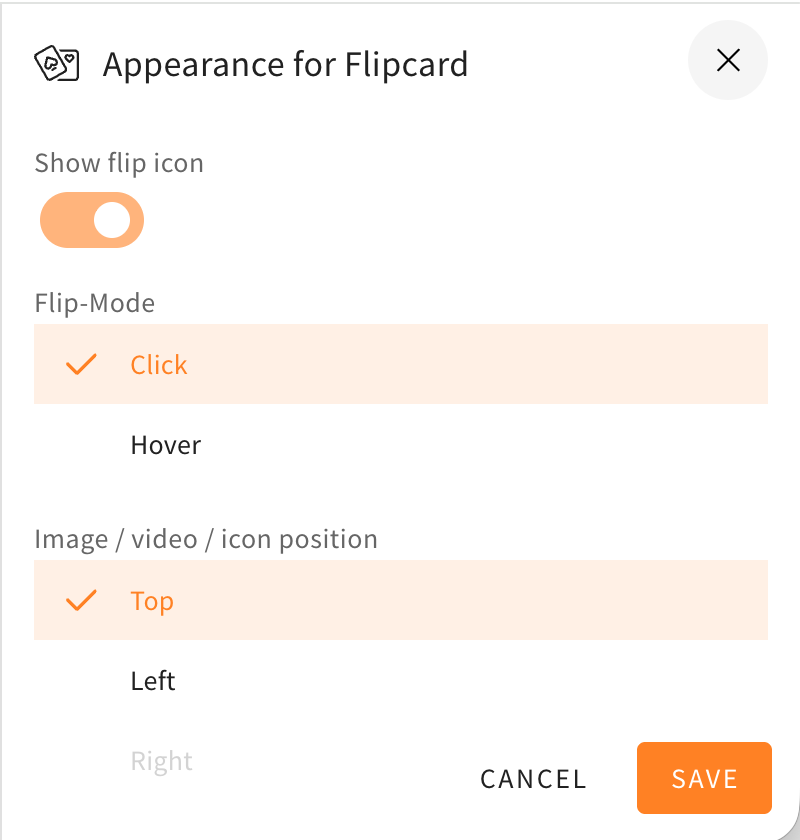
The style settings drawer, in which you can choose to change the appearance of different elements, rows, and others, got a redesign. The redesign will help to make the menu look more structured and orderly, because the toggles are now better grouped together and the UI is more compact. The style settings drawer will also now be colored and match the element/row actions at the corners of the elements or rows. Here as an example you can see the style settings drawer of a flipcard before and after the changes described in this changelog.
We expand the colour palette for two UI elements in LXT to a maximum of seven (previously a maximum of three was possible: primary colour, light, dark).
Slideshow: Colour of the controls/arrows
Slideshow / Flipcard: Colour of the icons (may be chosen individually for each card)
If you would also like to have other colours for these elements, please send us the exact values to support@bildungsinnnovator.com.