Changelog
LXT Authoring
Value slider quiz visual improvements
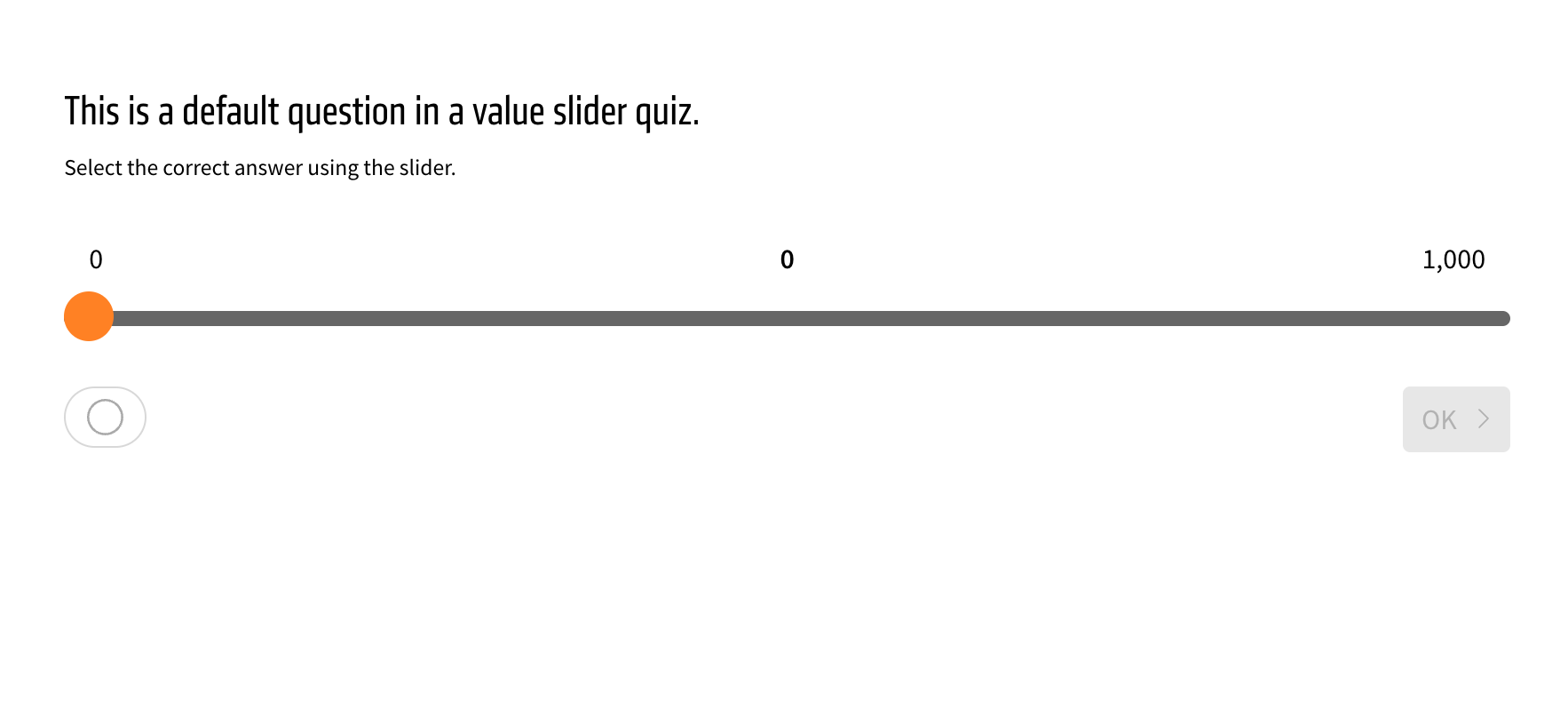
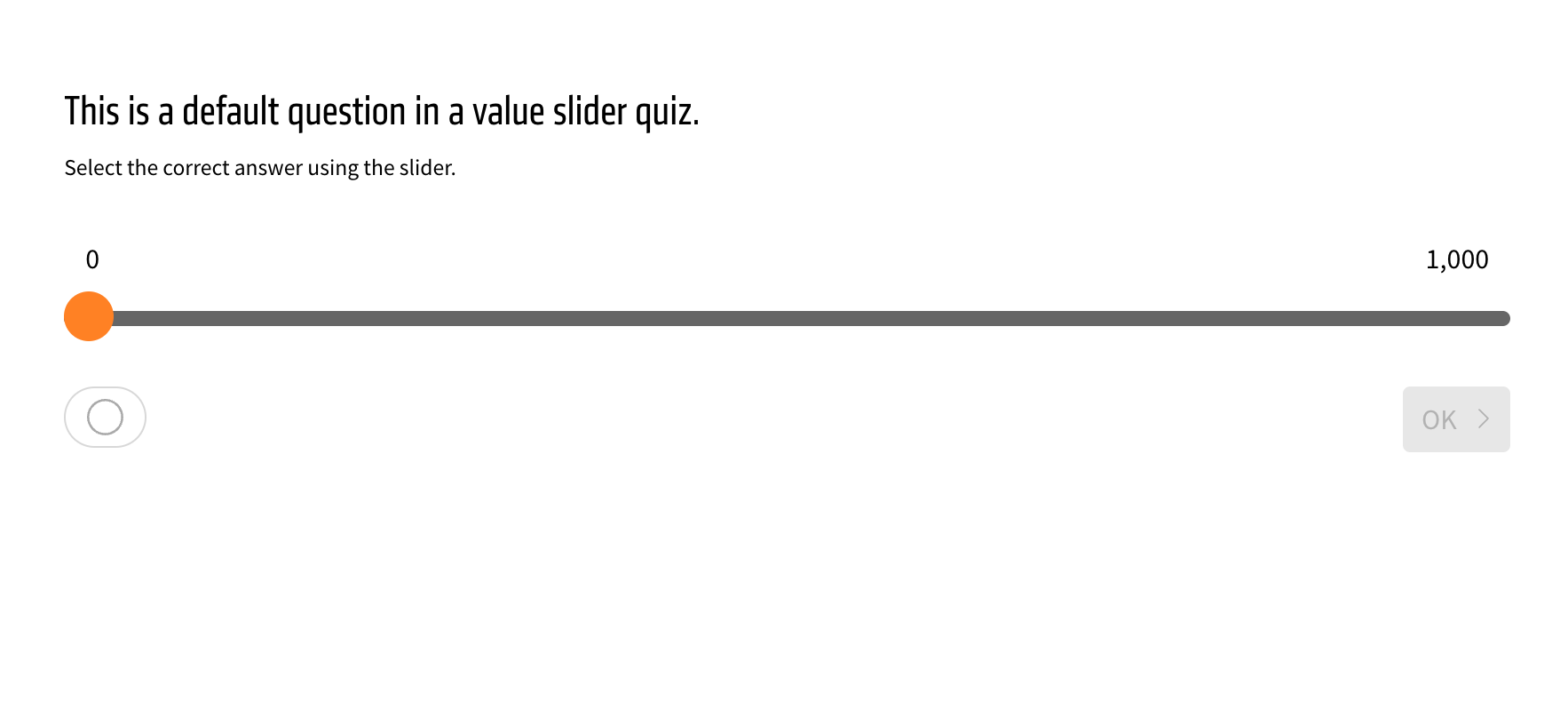
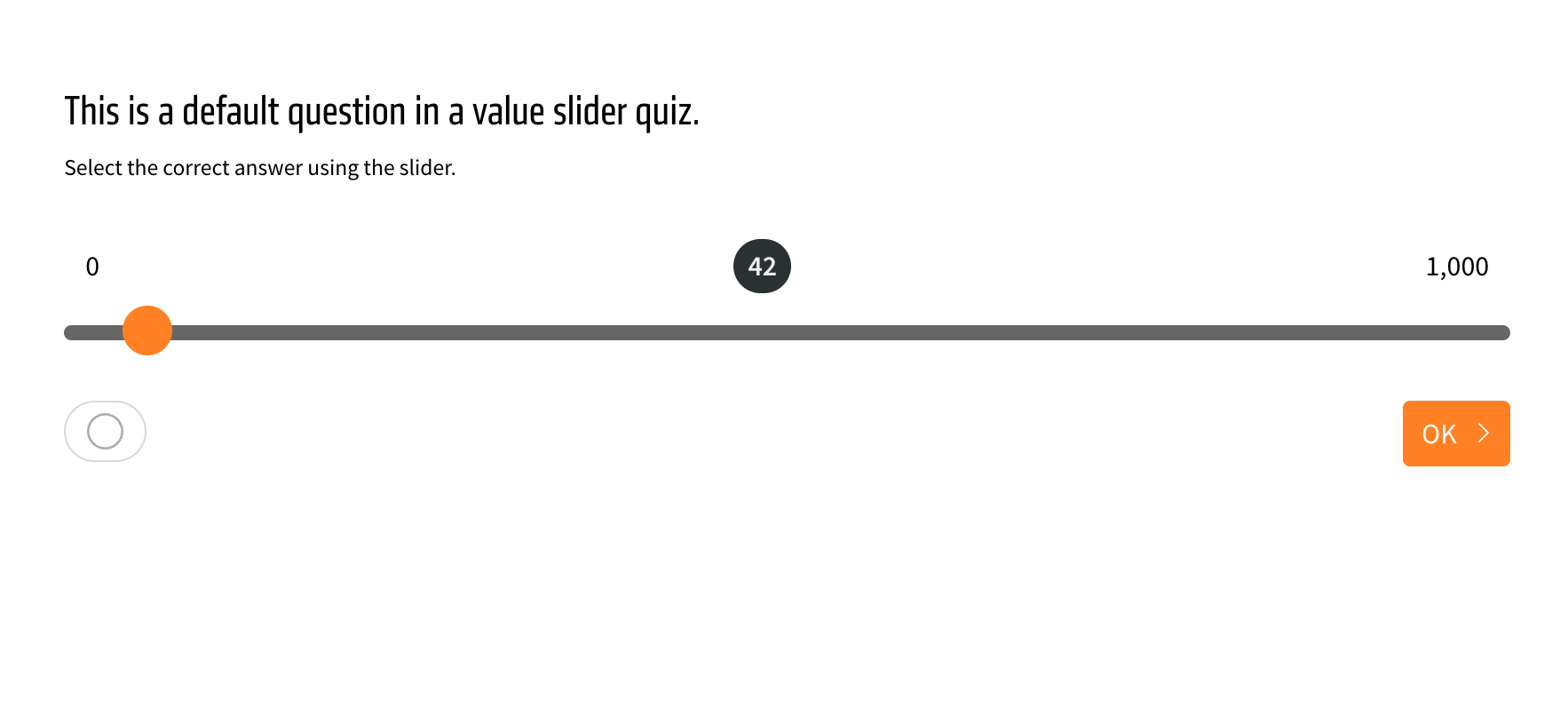
The value slider quiz element gets two new toggles for the appearance of the selected number, which appears in the middle.
One toggle disables the selected number in the middle initially, so it is only visible once the user moves the slider to make an answer. The other toggle inverts the background around the selected number to highlight it better. The toggles are found in the appearance menu of the element, found by clicking on the green wand.
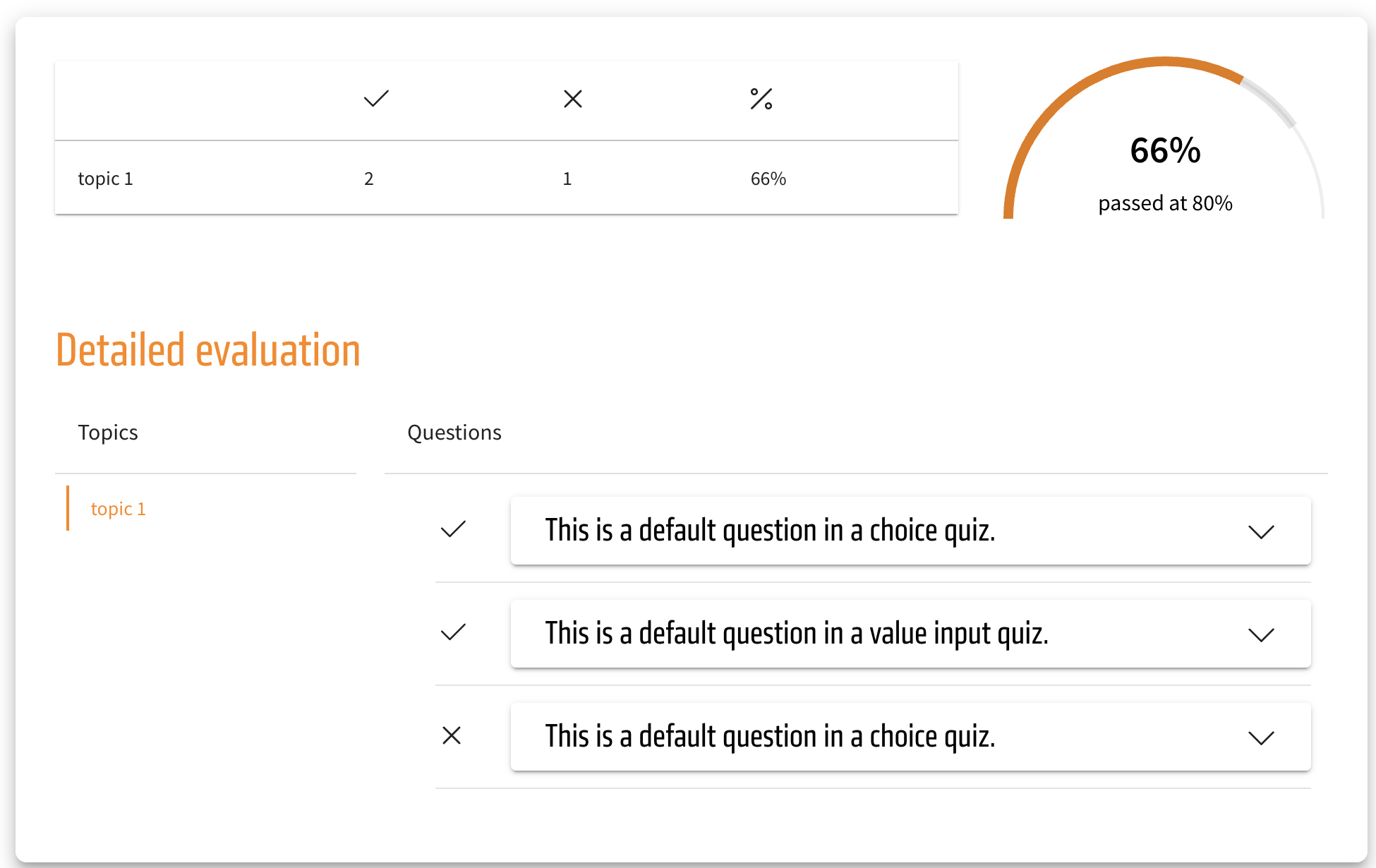
Visual upgrade to the evaluation in tests
The cross and checkmark icons in the test evaluation are now fittingly colored as the default. The checkmark icon, indicating a correctly answered test question, is now green, while the cross icon, which indicates an incorrectly answered test question, is now red.
Those colors are also theming-dependent and could be returned to the former single-color black. But this also means that through theming, the colors of the checkmarks and crosses can be adjusted to whatever color you wish.
These changes apply to the normal evaluation of a test as well as the extended version. They are also reflected in a SCORM export.
Bugfix for text elements with drop shadow
We have done a bugfix that changes behaviour of some existing content, which is why we want to inform about this change.
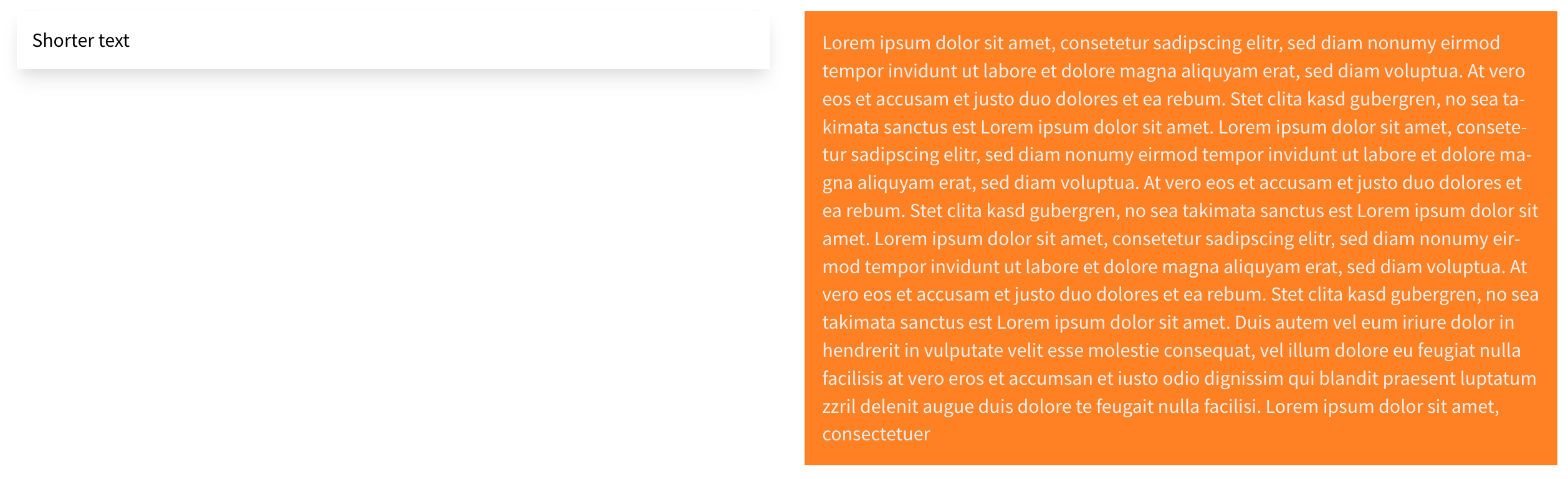
If you are using text elements with drop shadows and the option “Adjust height to row” enabled, you might have noticed that the height of the drop shadow does not adjust to the height of the row.
In most cases this change will improve the layout, please find a few examples below.
However there might be cases where the fixed version might not look good. Usually it will be possible to fix those by disabling the option “Adjust height to row” which should result in a very similar look as the old version. In very rare cases this might not work as well. Feel free to contact us at support@bildungsinnovator.com if you need help to resolve such a special case.