Changelog

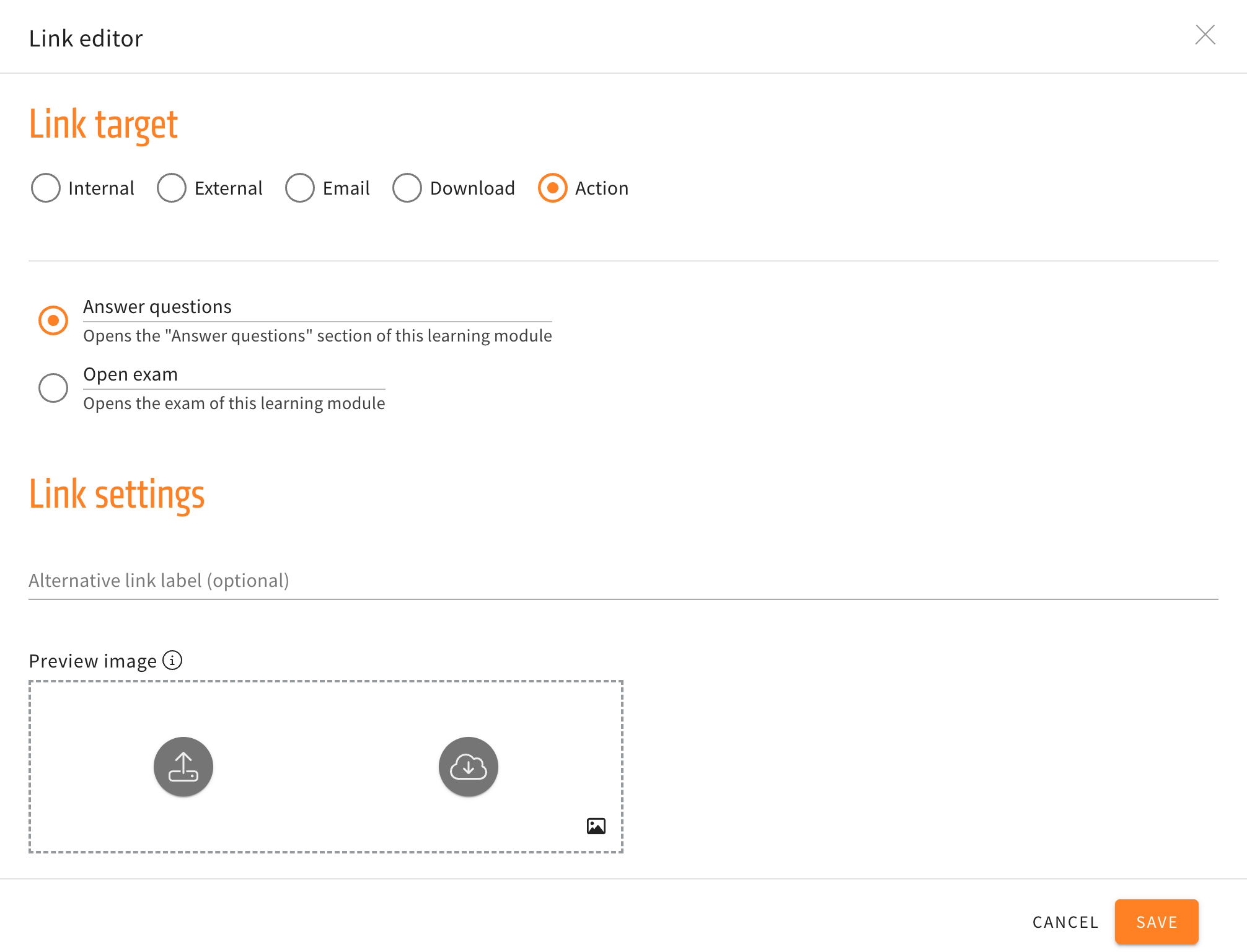
link editor

Alternative navigation in the link element


Three new options for actions are now available in the link element. The new actions will navigate the user to the introduction, the previous, or next card without having to use the buttons at the end of a card.

When creating and then editing a link element, the submenu for actions will no longer just have the options to directly open the “Answer questions” section or open the exam directly, but additionally have the three new navigation options mentioned above.

Proper link editor for the chatbot element


Now you can use a link editor within the chatbot element similar to the menu of our link/download element. This way the new menu provides familiar settings that are already known to the user.

Using links in a chatbot element can be beneficial when using internal links, for example referencing Learning Cards within a Learning Module.

Before this change, internal links didn’t work properly in the chatbot element once you exported the learning module as a SCORM and imported the SCORM into another LMS.