There is now a new feature toggle, “Hide learning module navigation button”, which hides the learning module/playlist/map button in the top bar as soon as the user is outside of learning modules/playlists/maps.
To make place for future features, we will be changing the layout of the sidebar menu.
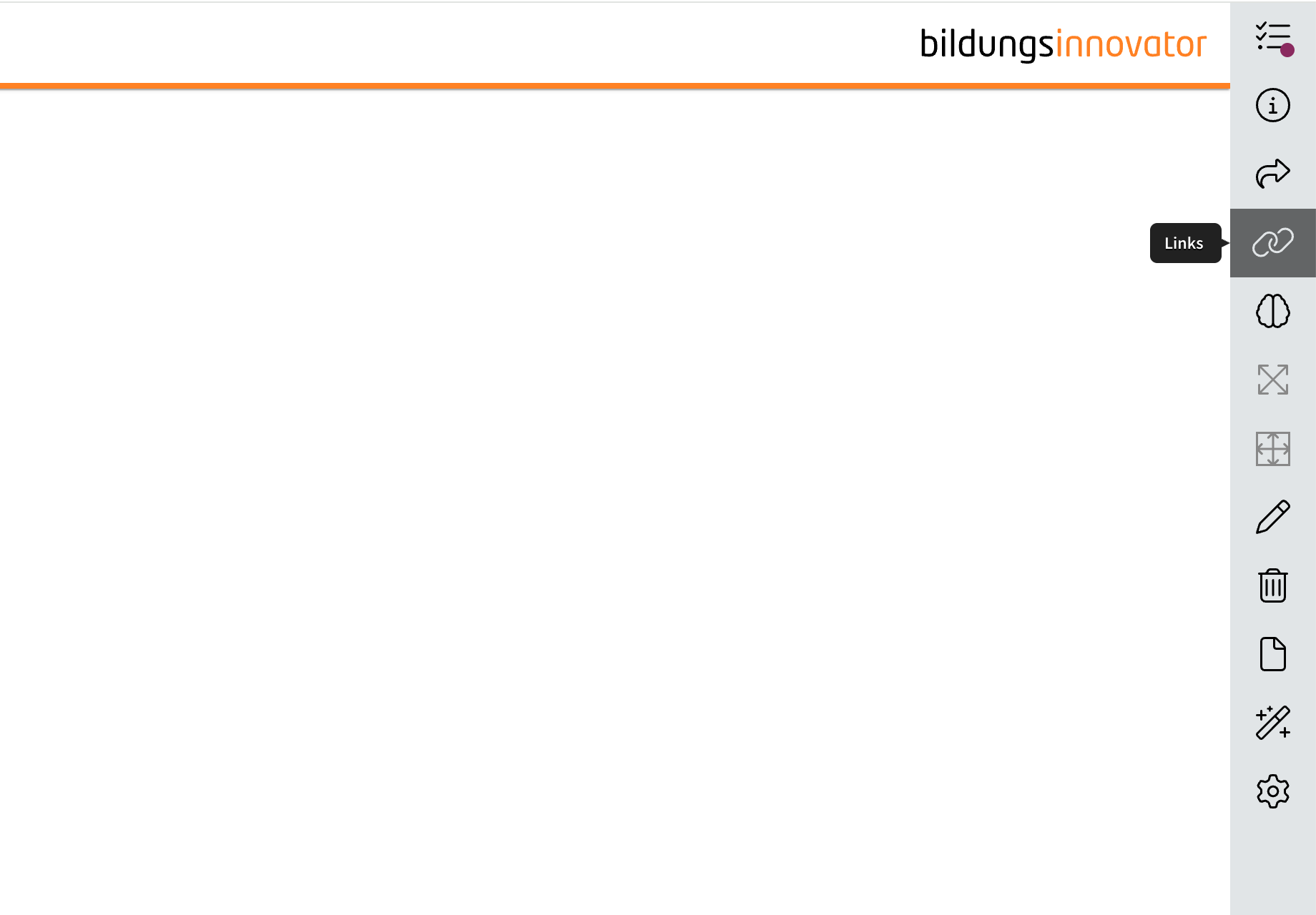
The links tab depicted as a chain on the sidebar will no longer be found there. Instead, the links tab will from now on be found in the statistics tab depicted with the encircled “i” higher on the sidebar.
In the comparison below, you can see on the left where the links tab will be found from now on, as well as the new sidebar to the right. In the picture on the right, you can compare where the feature used to be.
NEUALT
That way, when new tabs are added in the future to accommodate new features, the dimensions will remain the same while another feature is added to the sidebar.
We have rebuilt the technology of the simulation. This update forms the basis for all further developments of the element. Current state: From the author’s point of view, there are slight differences to the previous UI in the editing dialog. From a learner’s perspective, the difference in the UI is barely noticeable. We have also used the update to slightly adjust the design of the answer options.