
Changelog

Feature Improvement

SCORM Export: Hide learning success indicator


The “Advanced settings” of the SCORM export now do have an additional option:

If you select the option “cards are viewed” for the setting “Learning content is passed when”, you will be able to configure whether the landing page of the training shows an indicator of the learning success, i.e. how many of the quiz points the learning user has achieved.
By default the indicator is not shown anymore in this case.

This is due to the fact that if the achieved quiz points are not relevant to the success of the user, it is probably more confusing than helpful to show those.

Display the number of words and characters in the learning module


Previously, you could only view the number of words per card via the side menu. Now you can view the number of words and characters for the entire learning module. This is especially helpful for translations. We have therefore also integrated the function directly into the translation with DeepL.

New Stylesheets for the element „Introspection“


We have given the „Introspection“ a facelift. The already familiar “Standard” stylesheet has been given slight cosmetic adjustments. The templates “Listing as cards” and “Card with resource” are new.

Videos: restricted controls


If videos are integrated into the slideshow or flipcard, it is usually more visually attractive if no control bar is displayed. For this purpose there is now also “restricted controls” in addition to the common control settings available in the settings for videos (available for video/audio, slideshow or flipcard).
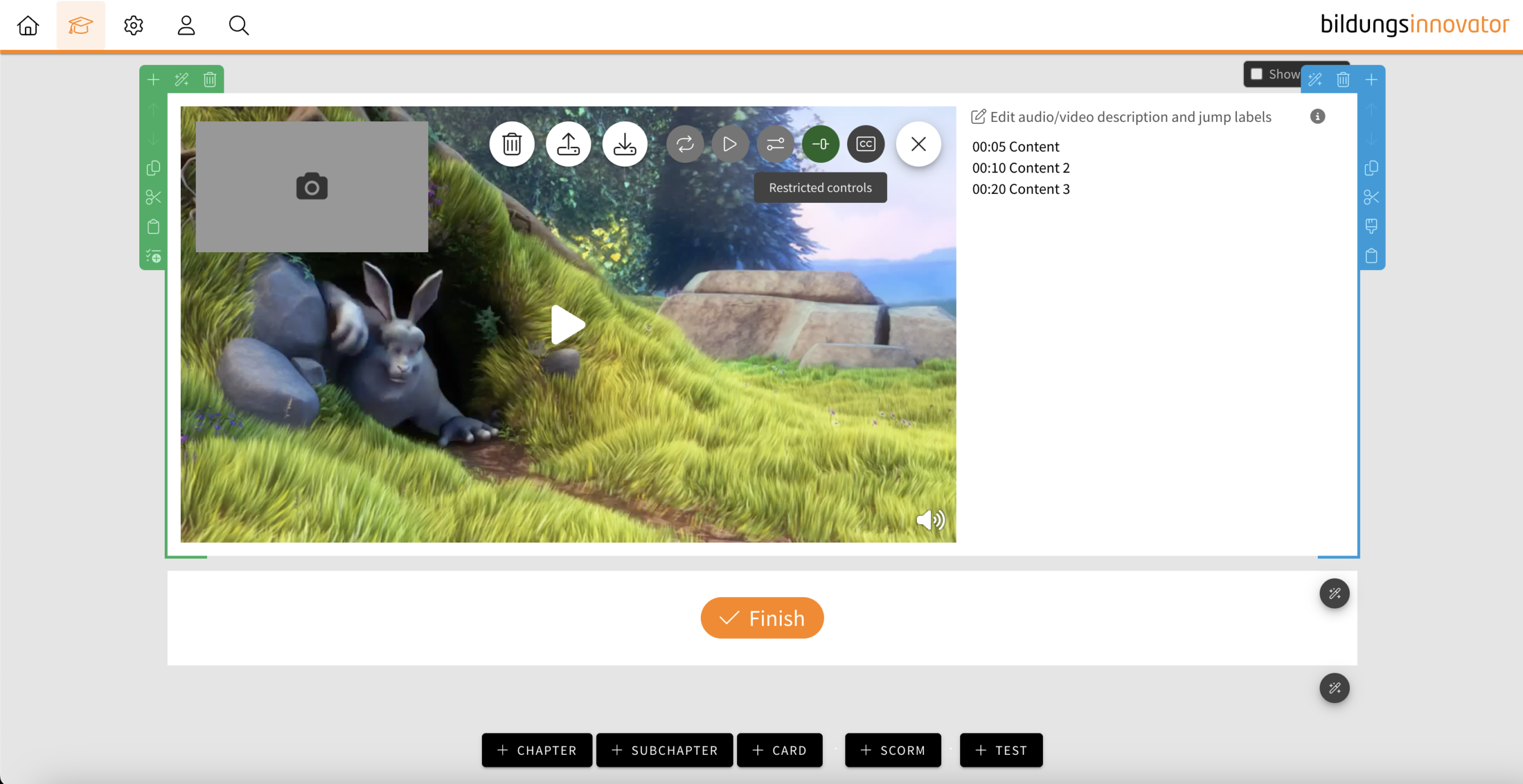
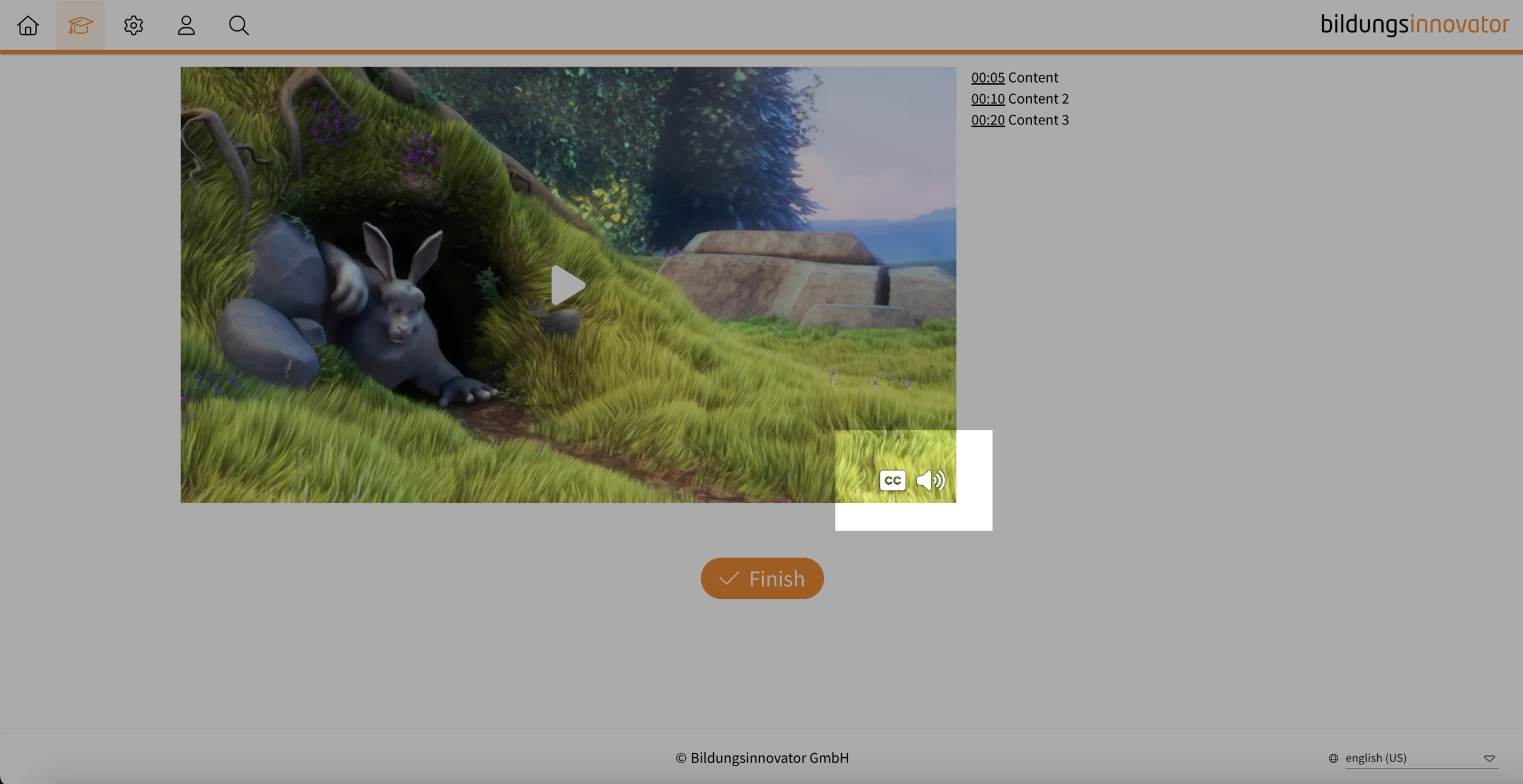
  • If the feature is activated, a “mute button” is only displayed at the bottom right when hovering over the video, which can be used to mute the video.
  • If subtitles are also activated, the “subtitle” button is also displayed next to it when hovering.
  • If the video is muted (e.g. by auto-play), the “mute button” is automatically displayed.
Notice: It is not possible to use both control element settings at the same time.

Tip: If your video does not have a soundtrack and you do not consider any control elements to be useful, deactivate the control elements completely. This will prevent your learners from unmuting the controls and then wondering why there is no sound.

Slideshow and flipcard: icons available


Those who regularly work with the icons in the text element know the advantage of the function and the large selection of icons. We have received a lot of feedback that it would be useful to use the icons directly in the slideshow and in the flipcard.

User Management: Filter by licences


You can now also filter the user list in the user management according to licences. The following options are available:

  • Authors
  • Users
  • Deactivated users
  • Users from Bildungsinnovator