Changelog
Resource Management
Downloading images in Resource Management
Users with access to the Resource Management menu will now be able to download images found in the images category of said menu. This way, specific images can easily be downloaded to be placed individually at another spot inside a training. This new addition gives the Resource Management the ability to better filter and reuse the images found in the file you had processed.
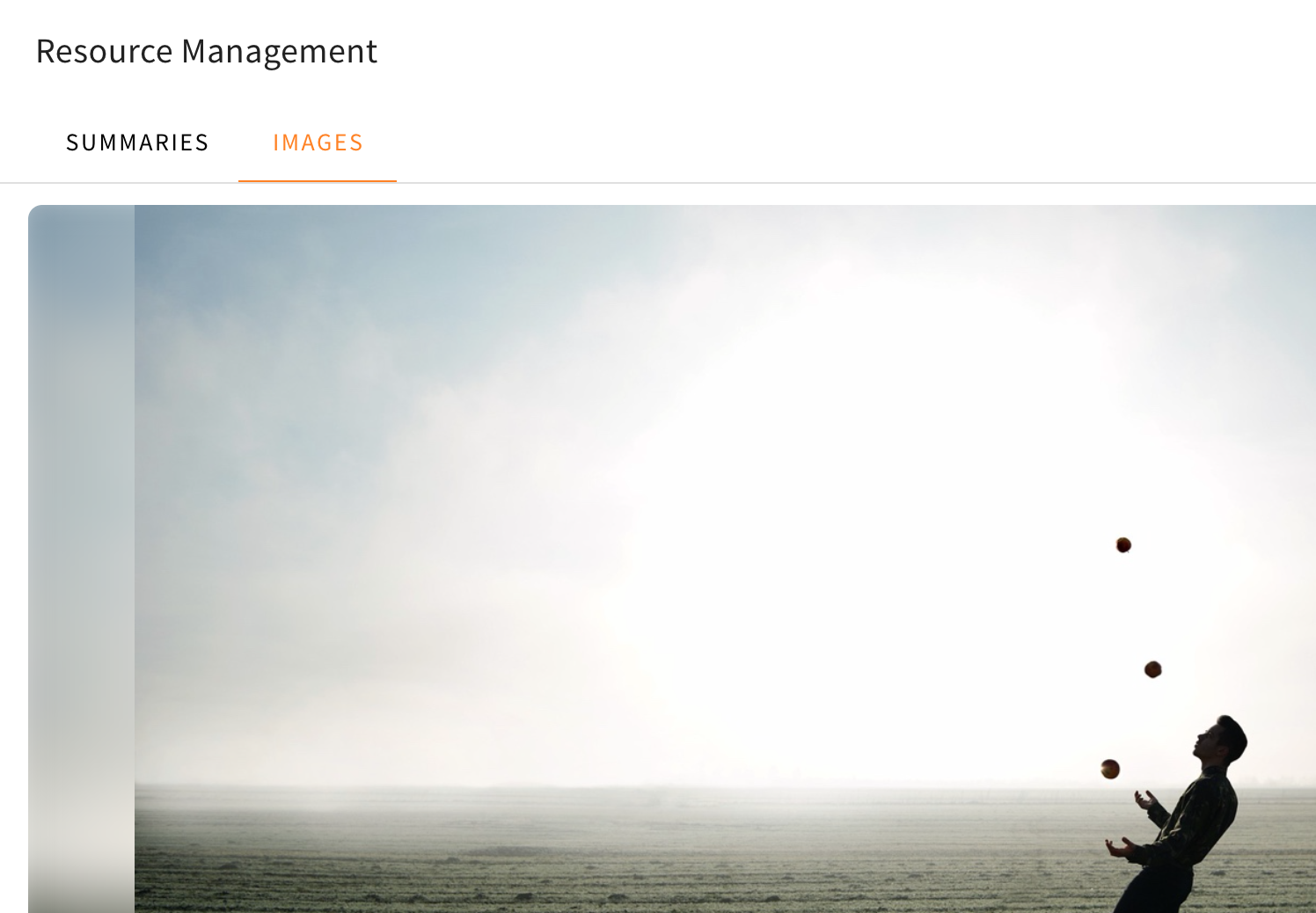
The download button can be found inside the image you wish to download at the top, once you navigate through the Resource Management, which can be opened in the sidebar on the right. Once you are inside the Resource Management and have used a file which was processed, you have to change the category at the top from “Summaries” to “Images”. Once you zoom in on a picture you wish to download, it will open the individual image you have chosen at the center of the menu. Here you will be able to see the download button at the top edge inside the image.