Changelog
AI
AI will now take into account the language variant.
- 11.06.2026
- 10.602.0
- Feature Improvement
- LXT Authoring Changes for authors LXT A und E
- Didactic AI AI language languages
AI functions will now take into consideration what language variant the user currently uses in LXT and not simply use the most common variant. So for example, for Portuguese the AI will take into account whether it’s supposed to use the Brazilian or Portuguese variant, depending wholly on the variant of the language the user currently uses.
Other examples include Chinese, where it distinguishes if it’s simplified or traditional, English if it’s British or American, or German if it’s German or Swiss.
Model for AI image creation in OpenAI updated to gpt-image-1.5
- 20.04.2026
- 10.591.1
- Change
- LXT Authoring Changes for authors Changes for admins LXT A und E
- AI image creator OpenAI model change
The default model for image creation in OpenAI has now been updated to gpt-image-1.5. The change won’t be reflected in the pricing. Put simply, the expenses will remain the same as they were with the older model, but the model needed to be updated.
The change comes because the model DALL-E 3 won’t be supported after May 12th of this year.
The change only applies to direct OpenAI users and not Azure users, since they have a different model deployment structure.
Didactic AI: free-text prompt
- 13.04.2026
- 10.587.0
- Feature Improvement
- LXT Authoring Changes for authors
- Didactic AI AI
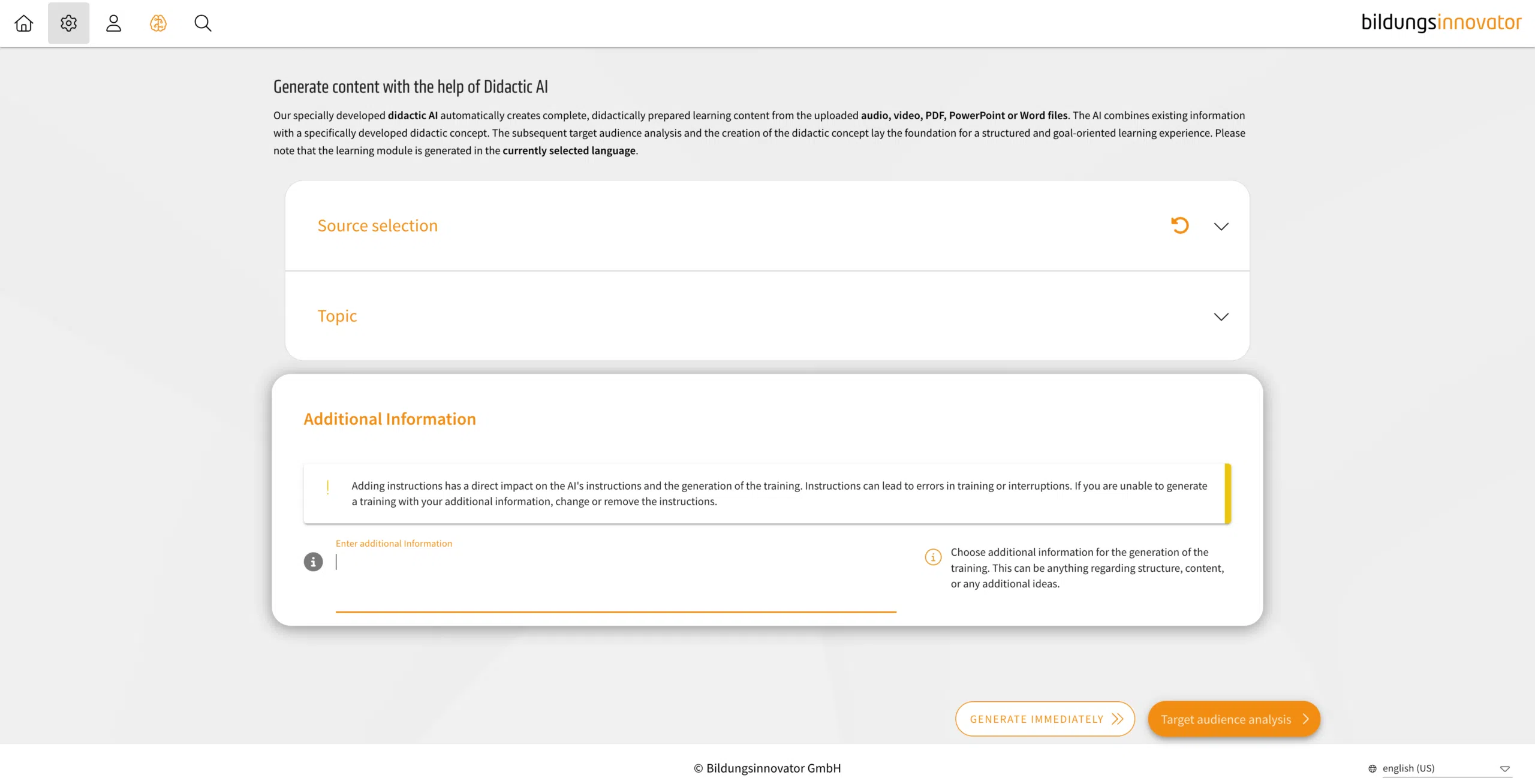
With the Didactic AI, it is now possible to specify an additional free-text prompt to further influence the result. This allows you to further refine both the approach and the structure.
Be aware, however, that using these details could mean you miss the mark when it comes to your training objectives. This can happen, for example, if you provide information or note down objectives that aren’t actually in the material.
Additional AI markers
- 26.02.2026
- 10.580.0
- Feature Improvement Change
- LXT Authoring Changes for authors
- AI AI Marker
Additional options for the use of AI markers are being added.
More elements will now have the option to toggle an AI marker, which some elements already had as described in the other changelog about adding AI markers in general and the improvement of the toggle.
The following elements now have the AI marker toggle added:
- Chatbot
- Stage
- Interactive simulation
- Slideshow
- Background Switcher
- Flipcard
- Image comparison
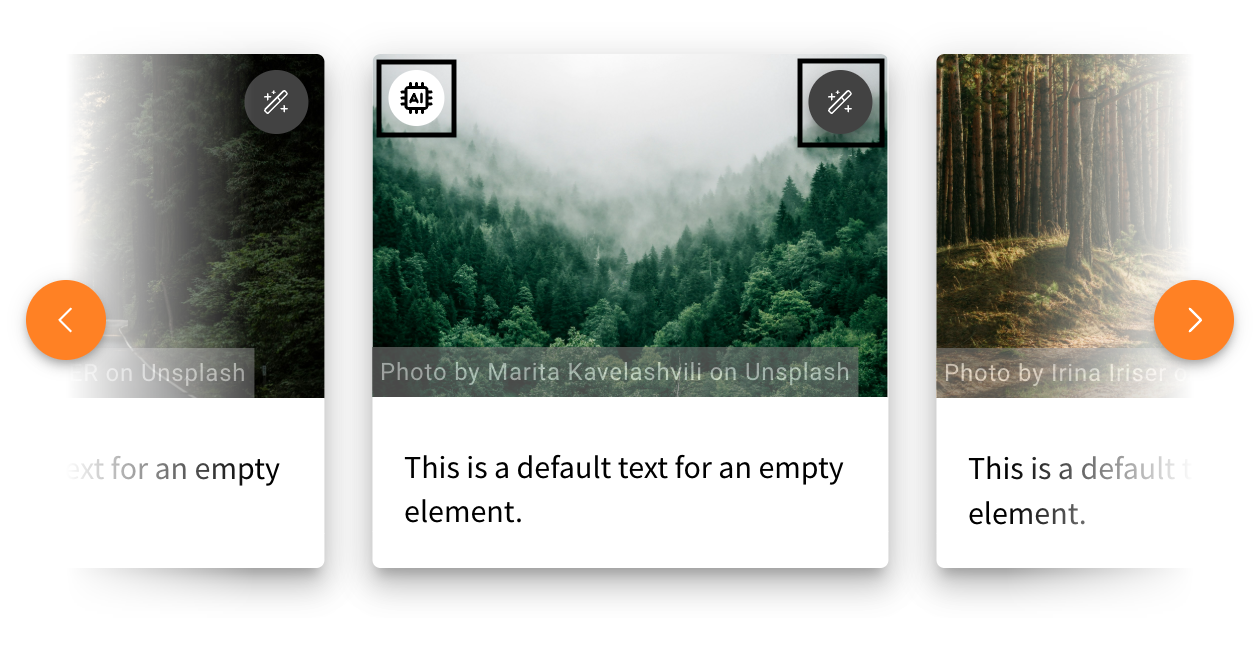
The Slideshow, Background Switcher, and Flipcard will have a marker for each slide, which also adds the StyleSettings button to each slide. In the following example, you can see what the AI marker looks like when you add it to one picture in the slideshow and where you can find the menu to add it for each slide separately.
The Image Comparison will also have the toggle option to choose which image was created with the help of AI. This way, you can add the marker to the left or right image individually or add the marker to both.
In addition, background images of a row also have an AI marker toggle, as well as images used as a preview of cards.
Didactic AI: Learning time becomes scope
- 17.02.2026
- 10.587.0
- Feature Improvement
- LXT Authoring LXT Engagement Changes for authors Changes for admins
- Didactic AI AI learning time scope
Within the Didactic AI, there is used a step called “learning time”. This step is being renamed to “scope” because learning time is highly dependent on each learner (speed, intelligence etc.) and is misleading here. The description “scope” is much more effective, and the selection options result in the following card scopes:
AI marker improvements
- 04.02.2026
- 10.576.44
- Feature Improvement
- LXT Authoring Changes for authors
- Didactic AI AI AI Marker
The AI marker is now more customizable. With the changes, you will now be able to choose one of four color options in a drop-down menu for the AI marker and choose its position in images and expandable images between their four corners. An option to choose when the marker is visible to the user is another addition to the new customizable options. The AI marker itself was introduced in a changelog in the past.