Changelog
LXT Authoring
Additional options for an element group stylesheet
- 12.12.2025
- 10.571.7
- Feature Improvement
- LXT Authoring Changes for authors
- UI element group stylesheet
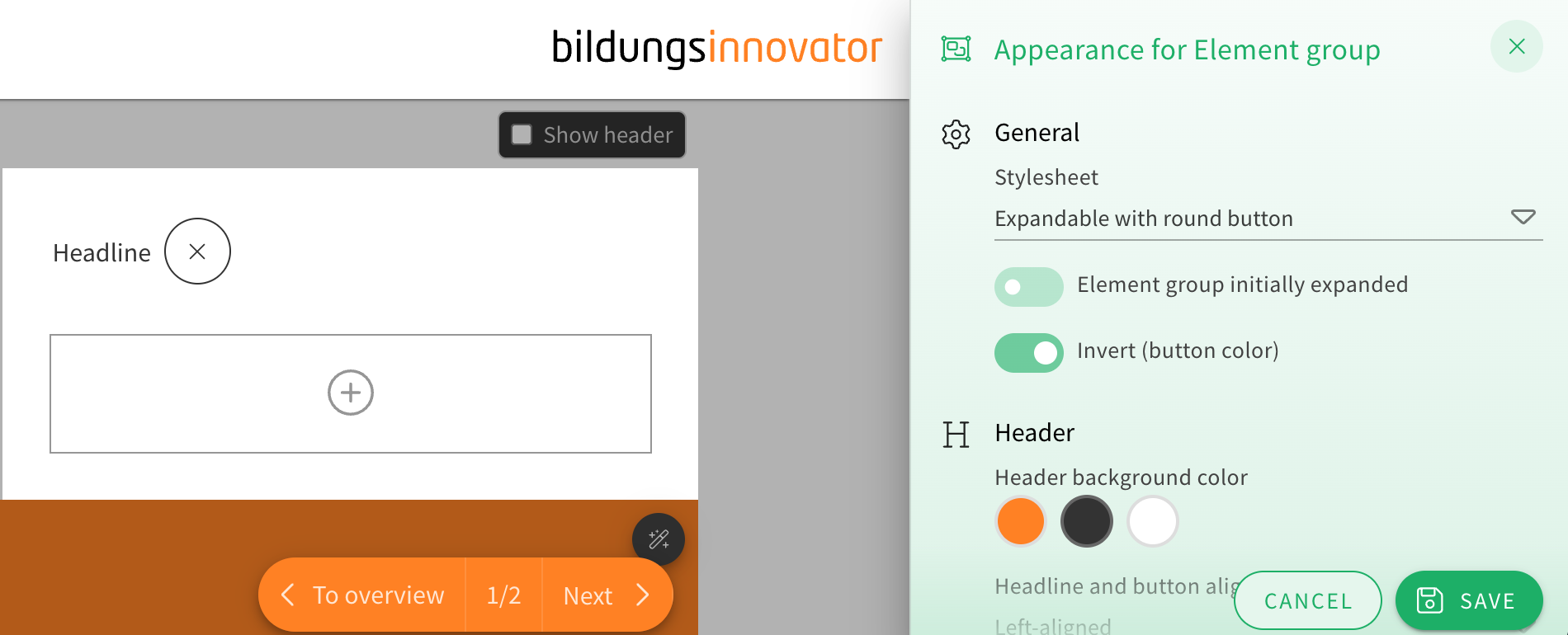
When choosing the appearance of an element group, the stylesheet “Expandable with round button” now offers two additional customization options.
You can now toggle drop shadows on or off and choose how rounded the corners of the element group look from a dropdown menu.
This gives the element group’s already extensive appearance options even more flexibility for authors.
Improvement of the permission to use templates
- 27.11.2025
- 10.570.0
- Feature Improvement
- LXT Authoring Changes for admins
- templates role permission
There are going to be two role permissions in regard to templates instead of one from now on. “Use templates” as a role permission was changed and now only gives users the permission to use already created templates, while the new role permission “Manage templates” will give users the permission to create new templates.
Appearance menu redesign
- 20.11.2025
- 10.593.19
- Feature Improvement
- LXT Authoring Changes for authors
- stylesettings design appearance
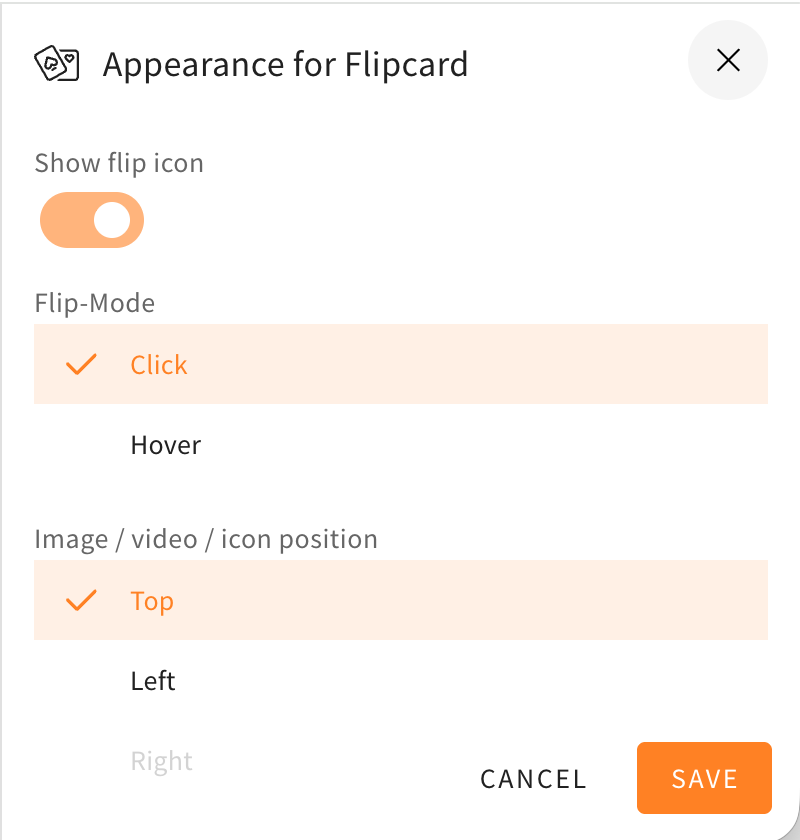
The style settings drawer, in which you can choose to change the appearance of different elements, rows, and others, got a redesign. The redesign will help to make the menu look more structured and orderly, because the toggles are now better grouped together and the UI is more compact. The style settings drawer will also now be colored and match the element/row actions at the corners of the elements or rows.
Here as an example you can see the style settings drawer of a flipcard before and after the changes described in this changelog.
Resource management for files processed with AI
- 18.11.2025
- 10.567.0
- Feature Improvement
- LXT Authoring Changes for authors
- Didactic AI AI Resource Management
If you work with AI in LXT, there is now a completely new feature in the sidebar in learning modules: Resource Management. When you click on the feature, a dialogue box opens where you can either …
Choice quiz checkbox appearance
- 13.11.2025
- 10.566.0
- Feature Improvement
- LXT Authoring Changes for authors
- element quiz
Through a new toggle when editing the appearance of the “Choice text” and “Choice image” elements in the “Interactions” category, you can now manually set the checkboxes in selection quizzes to be square or round. The new feature works the same for online trainings and tests.
Start “Answer questions” and “Open test” via link element
- 10.11.2025
- 10.564.0
- Feature Improvement
- LXT Authoring Changes for authors
- links exam adaptive learning answer questions
You can now create link elements of the type ‘Action’ in learning modules and cards. The familiar functions ‘Open test’ and ‘Answer questions’ are available as actions.