Changelog
theme
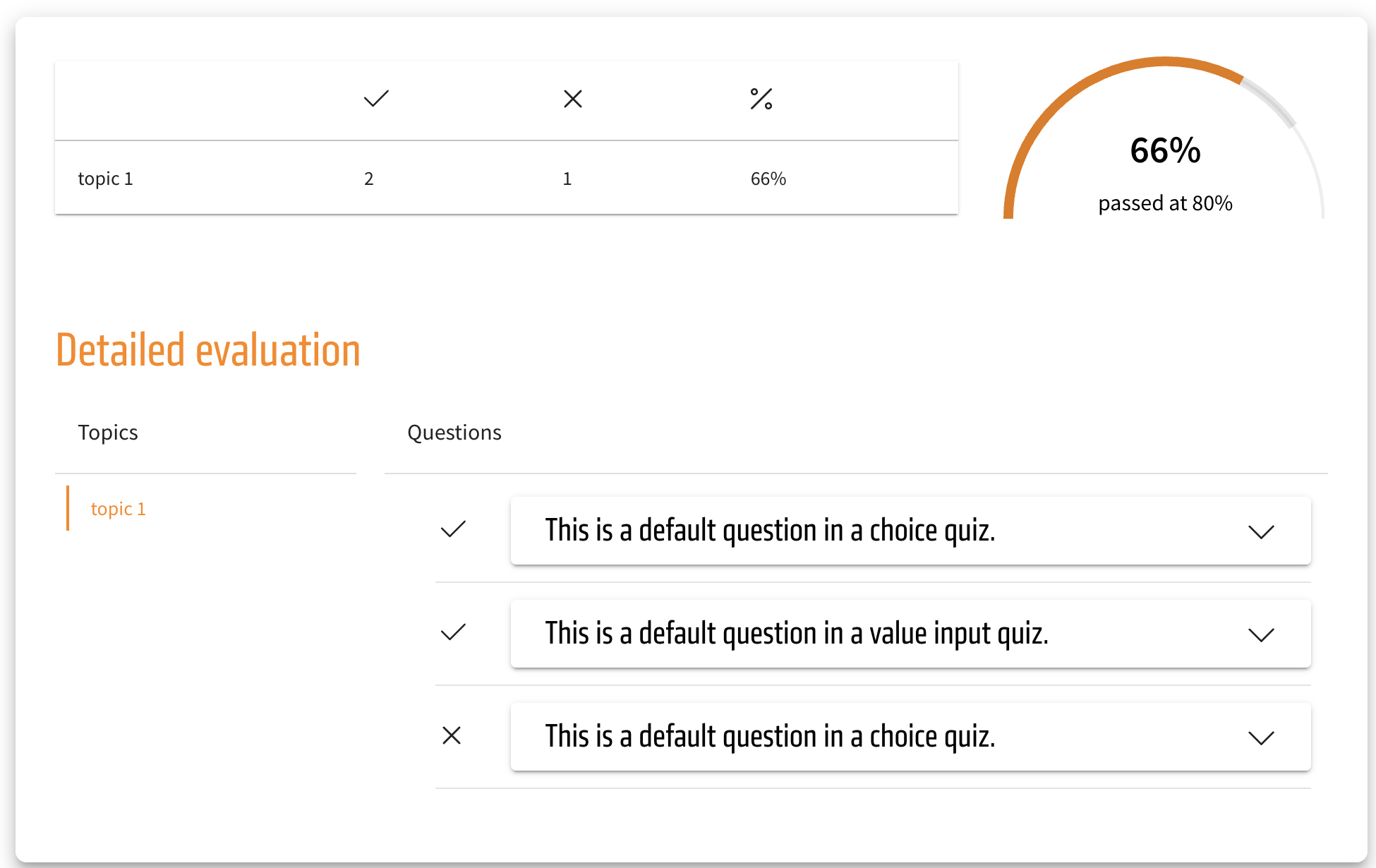
Visual upgrade to the evaluation in tests
The cross and checkmark icons in the test evaluation are now fittingly colored as the default. The checkmark icon, indicating a correctly answered test question, is now green, while the cross icon, which indicates an incorrectly answered test question, is now red.
Those colors are also theming-dependent and could be returned to the former single-color black. But this also means that through theming, the colors of the checkmarks and crosses can be adjusted to whatever color you wish.
These changes apply to the normal evaluation of a test as well as the extended version. They are also reflected in a SCORM export.
NEU
ALT