Changelog
value slider
Value slider quiz visual improvements
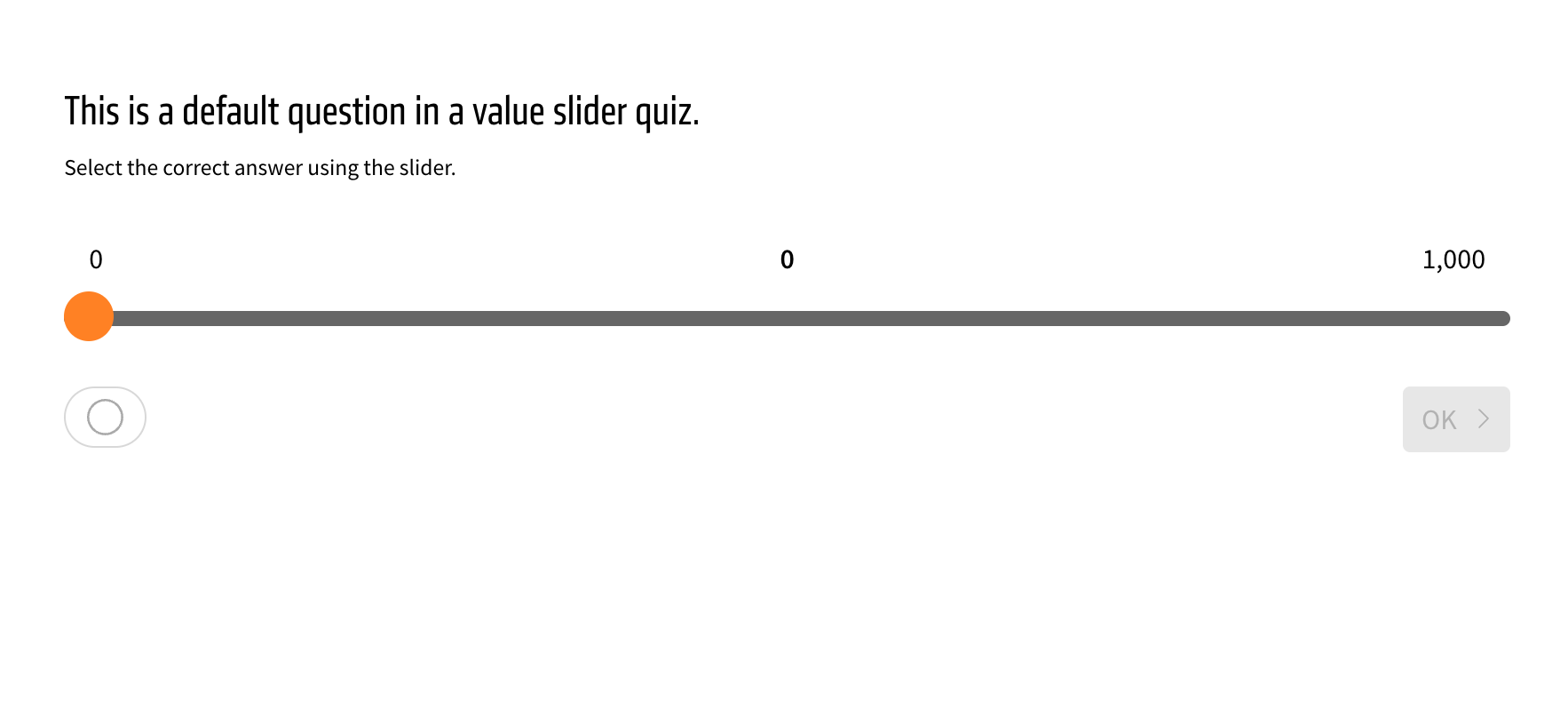
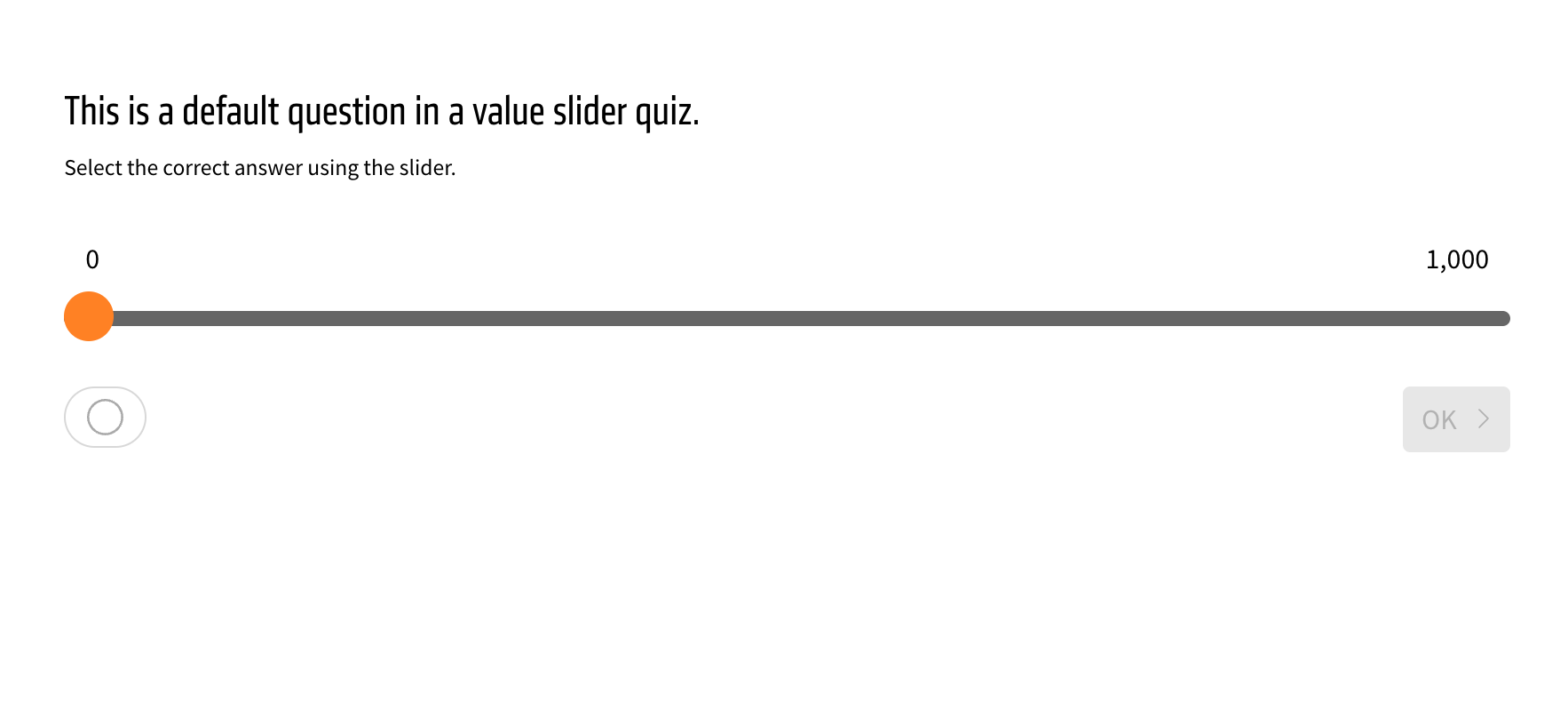
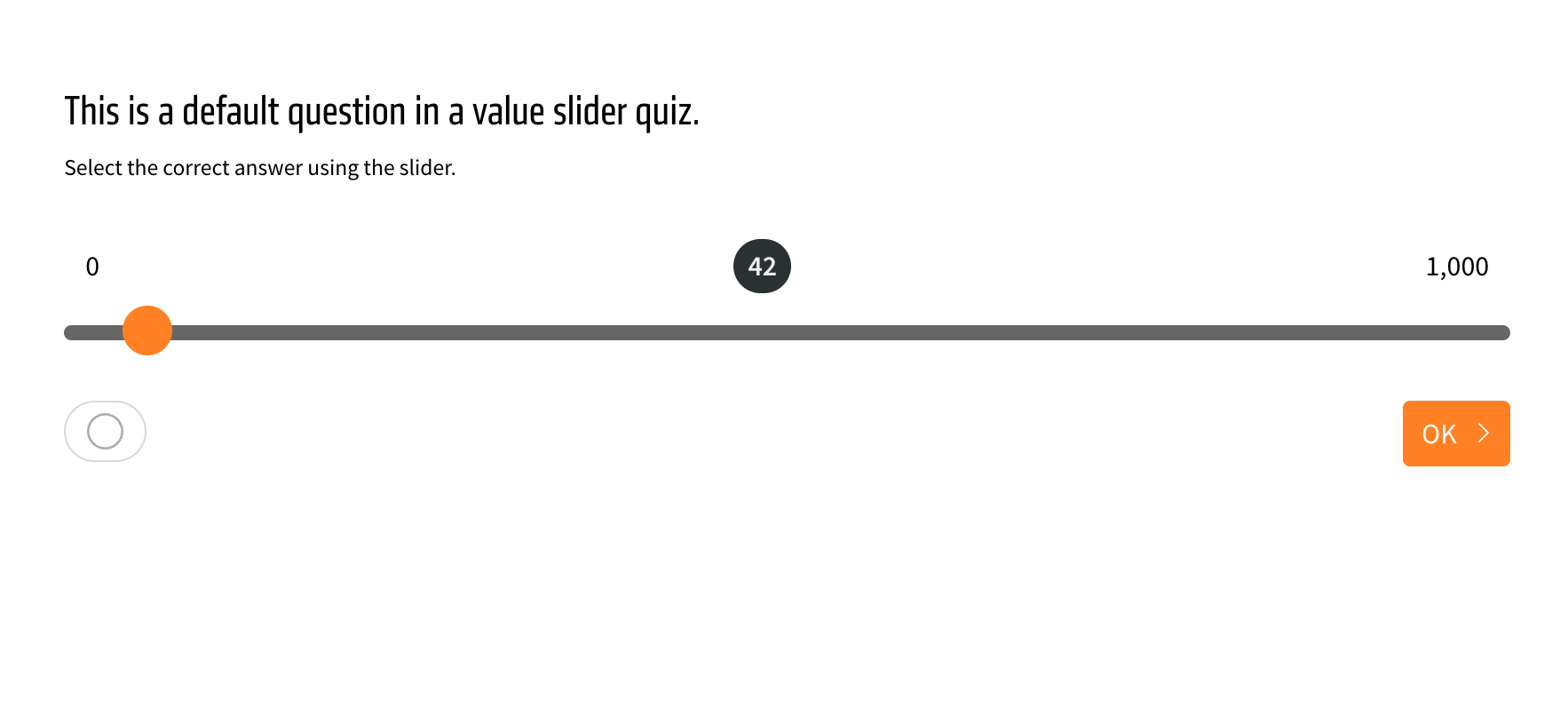
The value slider quiz element gets two new toggles for the appearance of the selected number, which appears in the middle.
One toggle disables the selected number in the middle initially, so it is only visible once the user moves the slider to make an answer. The other toggle inverts the background around the selected number to highlight it better. The toggles are found in the appearance menu of the element, found by clicking on the green wand.
AI generation of additional quizzes
This update is only available if you have AI enabled in your LXT setup. Please find more information on setting up AI in LXT here (in German).
Use the AI to generate even more quizzes: Value input, value slider, date input and order quizzes can now automatically be generated.
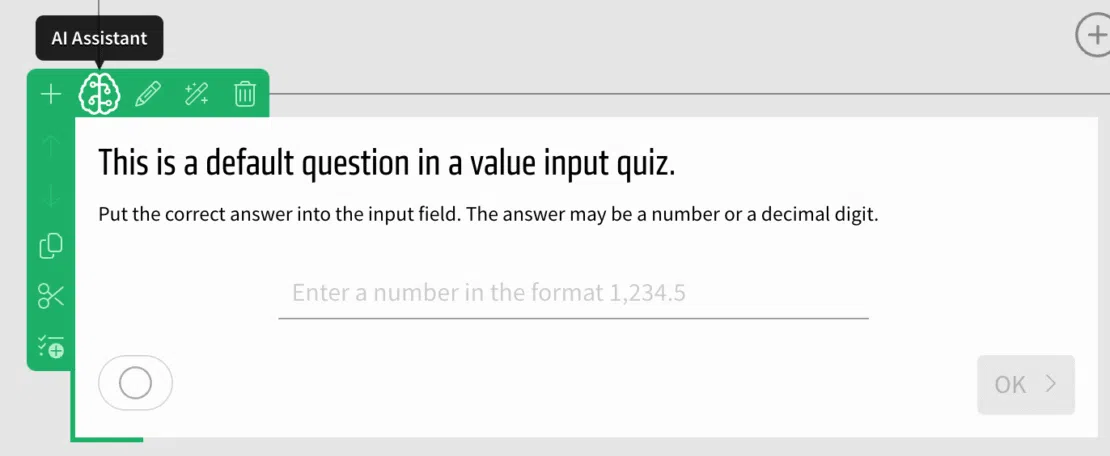
To do so, create a quiz of one of these kinds, hover over it and select the “AI assistant” in the green or orange menu.