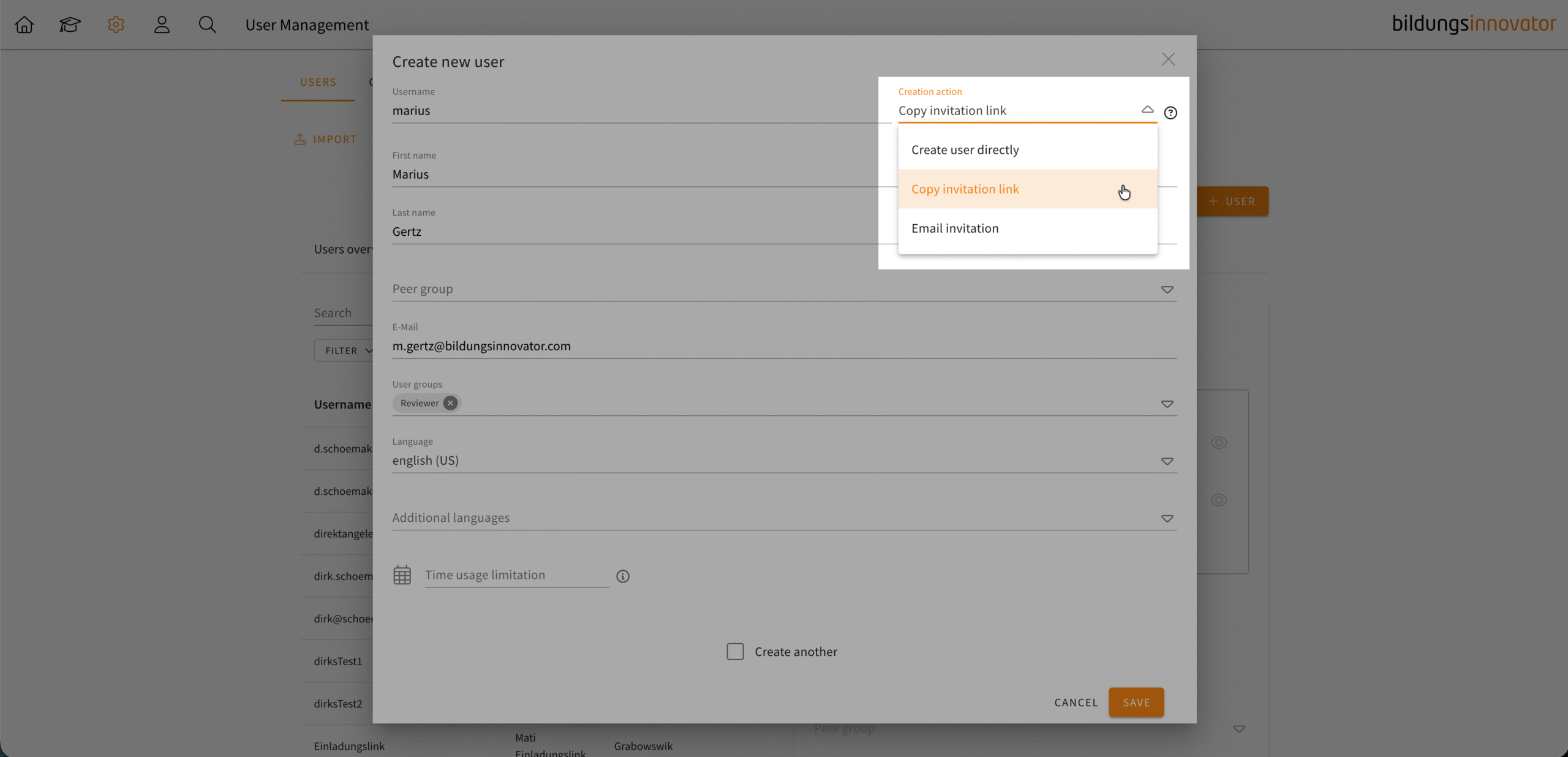
You have been able to create users with email notifications in user management for some time now. But it was not possible to customise the email beforehand. We have now developed a first solution for this.
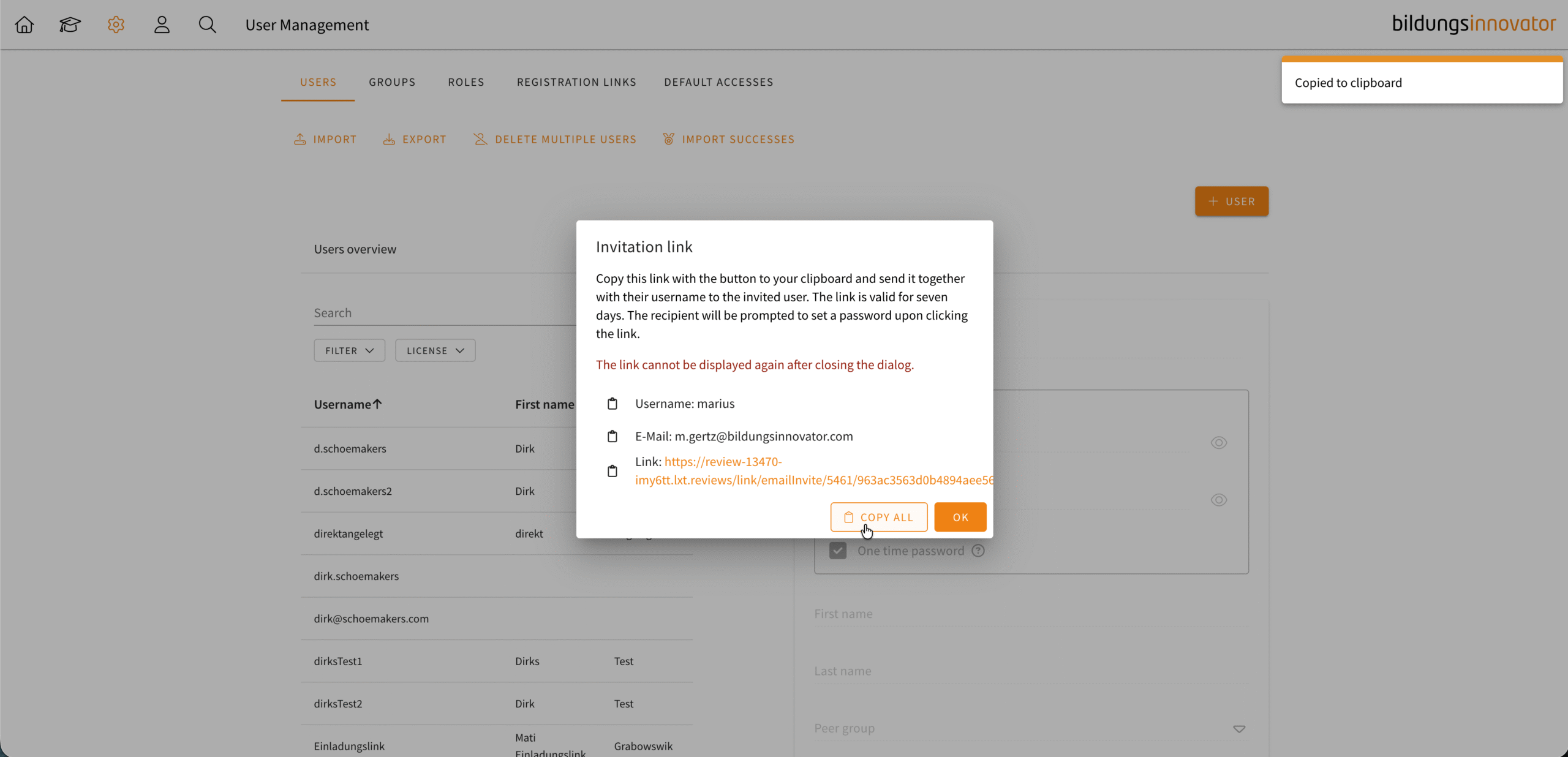
When creating a user, you can generate an invitation link instead of sending an automatic email. After creating a user, a dialogue box will appear containing the invitation link for you to copy. You can copy this into your own email programme and customise the email according to your needs. Important: This dialogue box cannot be reopened after creation. Similar to the automatic email invitation, if the user has not yet set a password, you can click on the user and send an automatic email with the link.