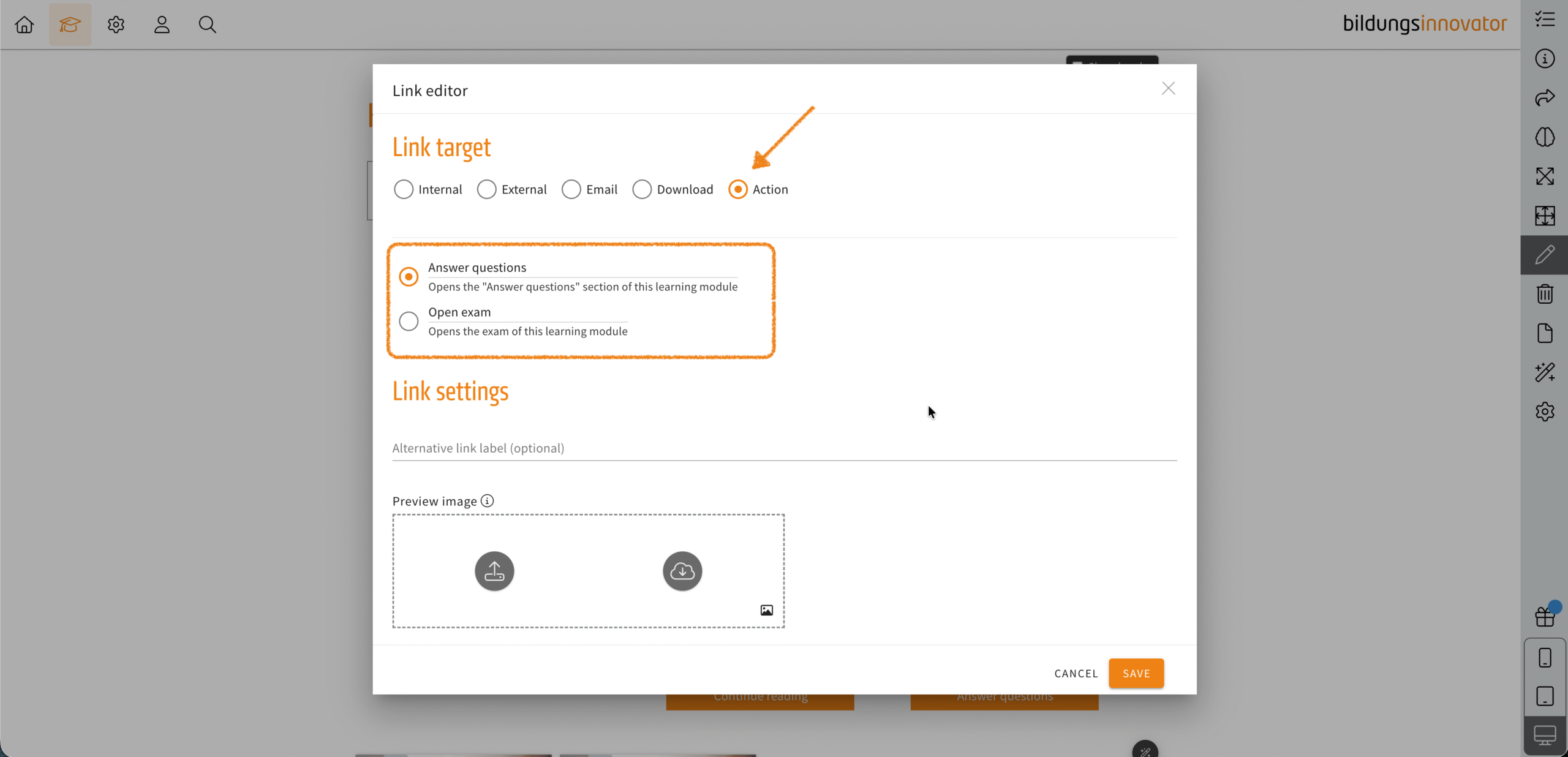
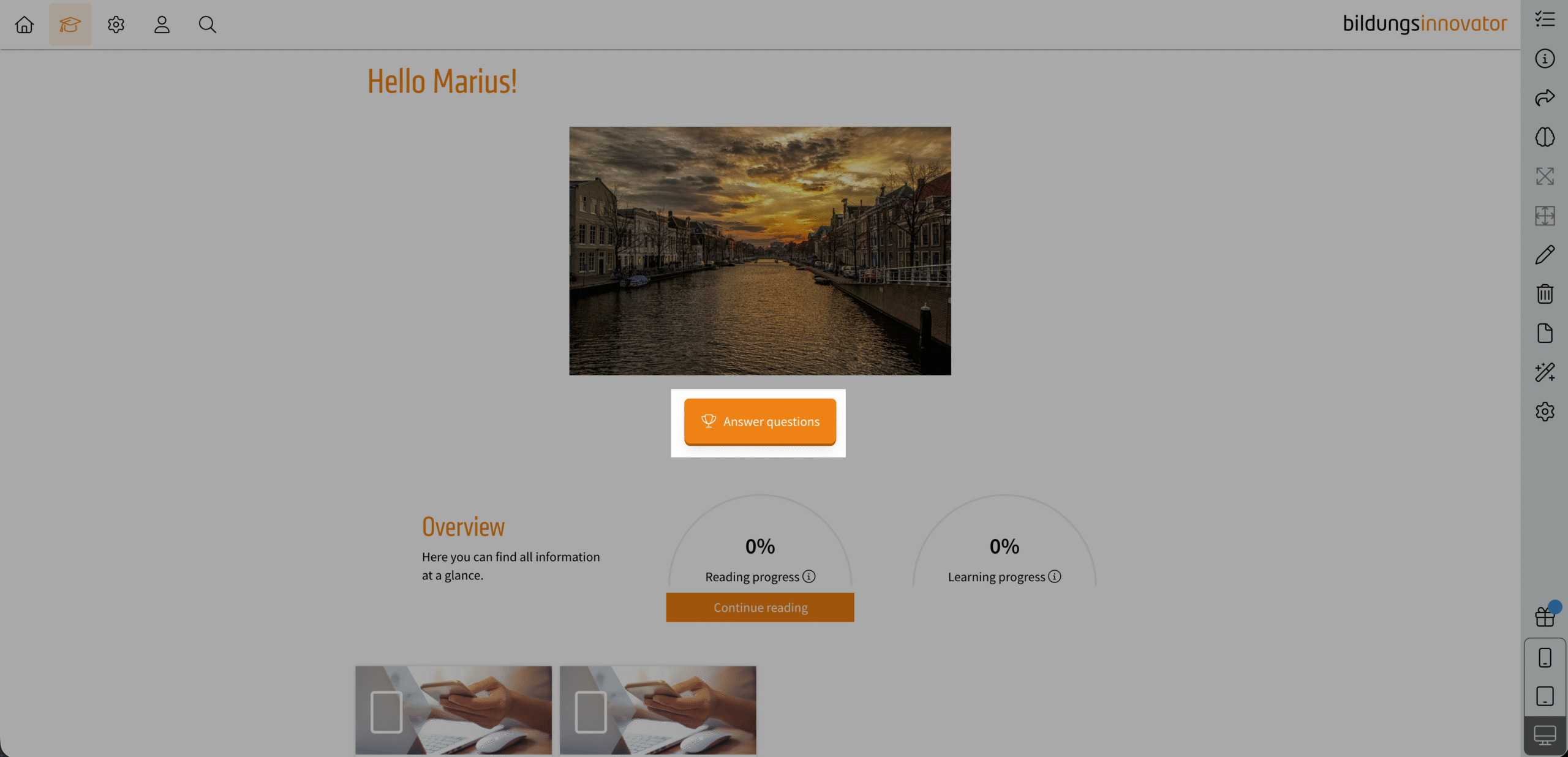
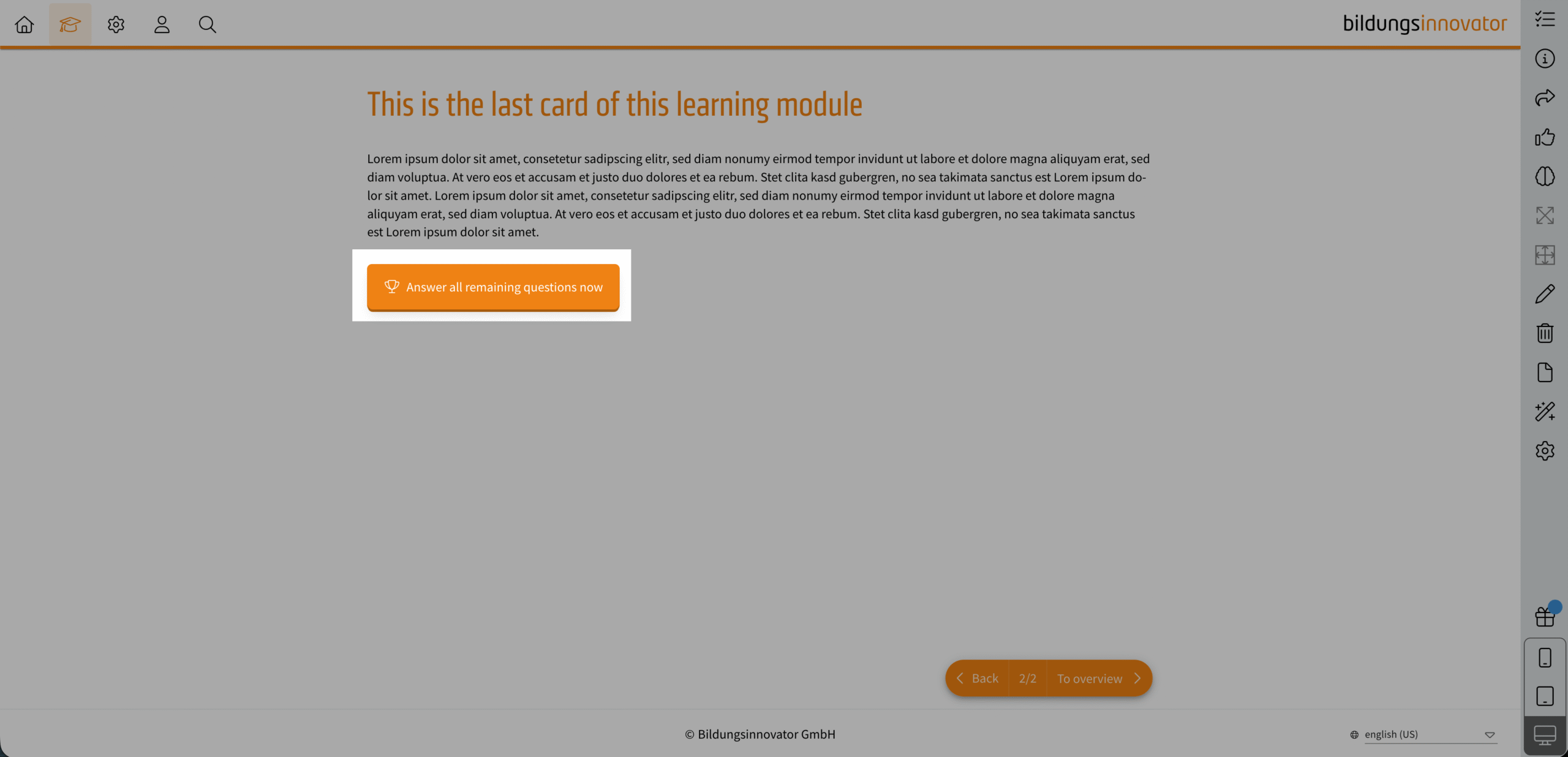
You can now create link elements of the type ‘Action’ in learning modules and cards. The familiar functions ‘Open test’ and ‘Answer questions’ are available as actions.
‘Open test’ takes the learner to the start page of the test. Clicking on ‘Answer questions’ automatically opens the corresponding dialogue box. If the link is located on a card, LXT directs the user to the entry page of the learning module and then opens the question dialogue box. If the link element is accidentally copied to another learning module or to a page where the features cannot be used, LXT displays a message.