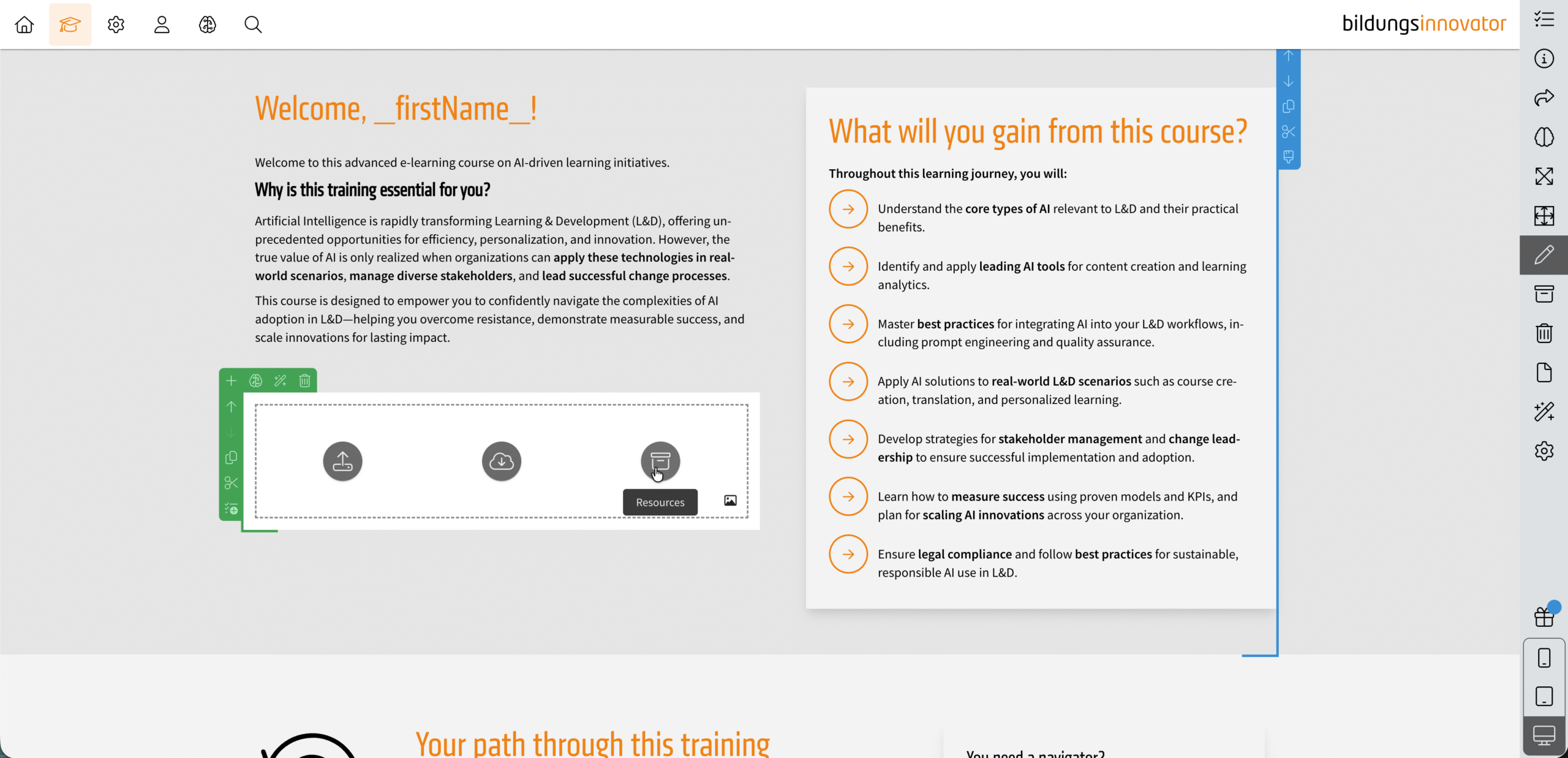
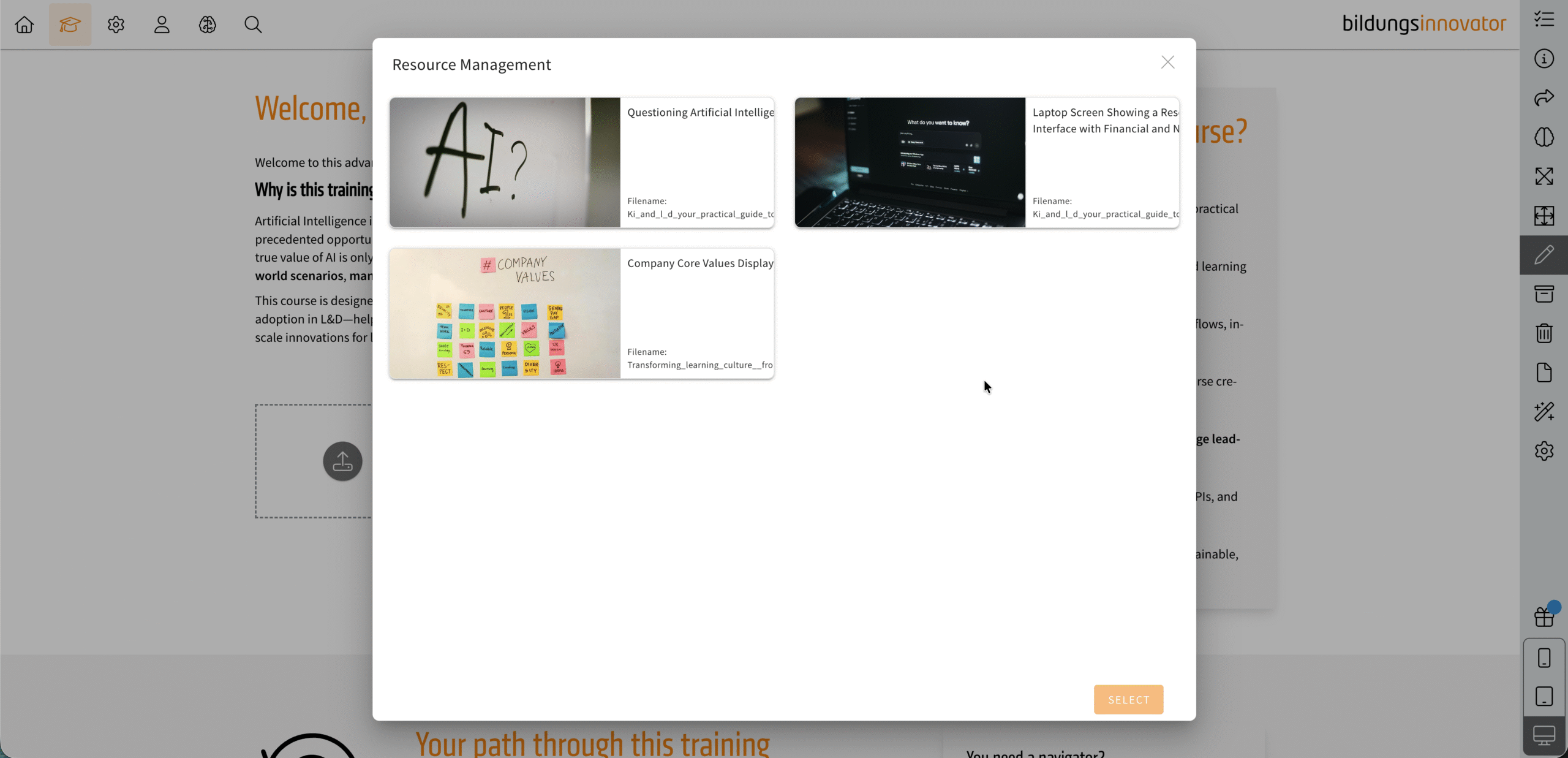
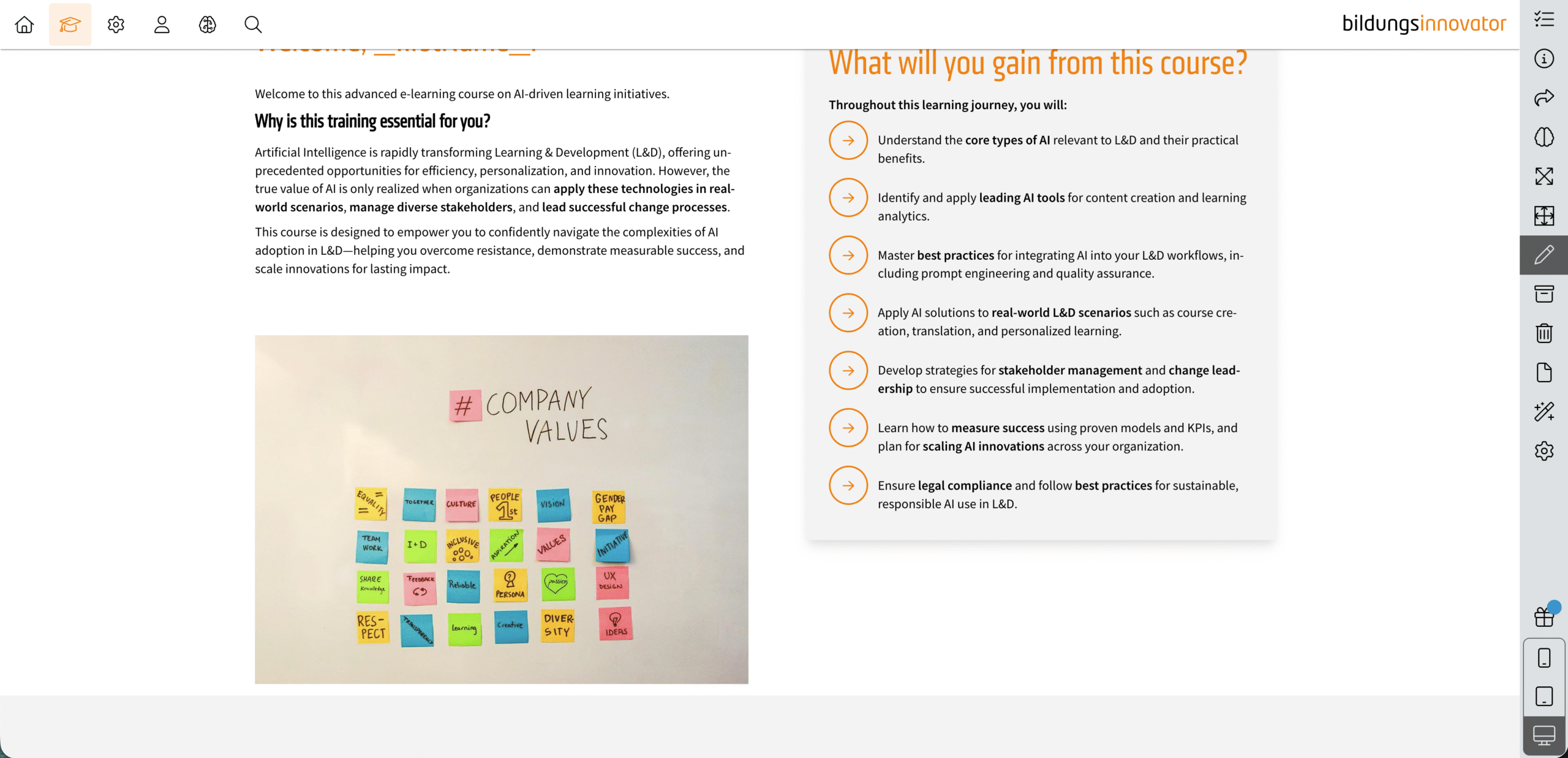
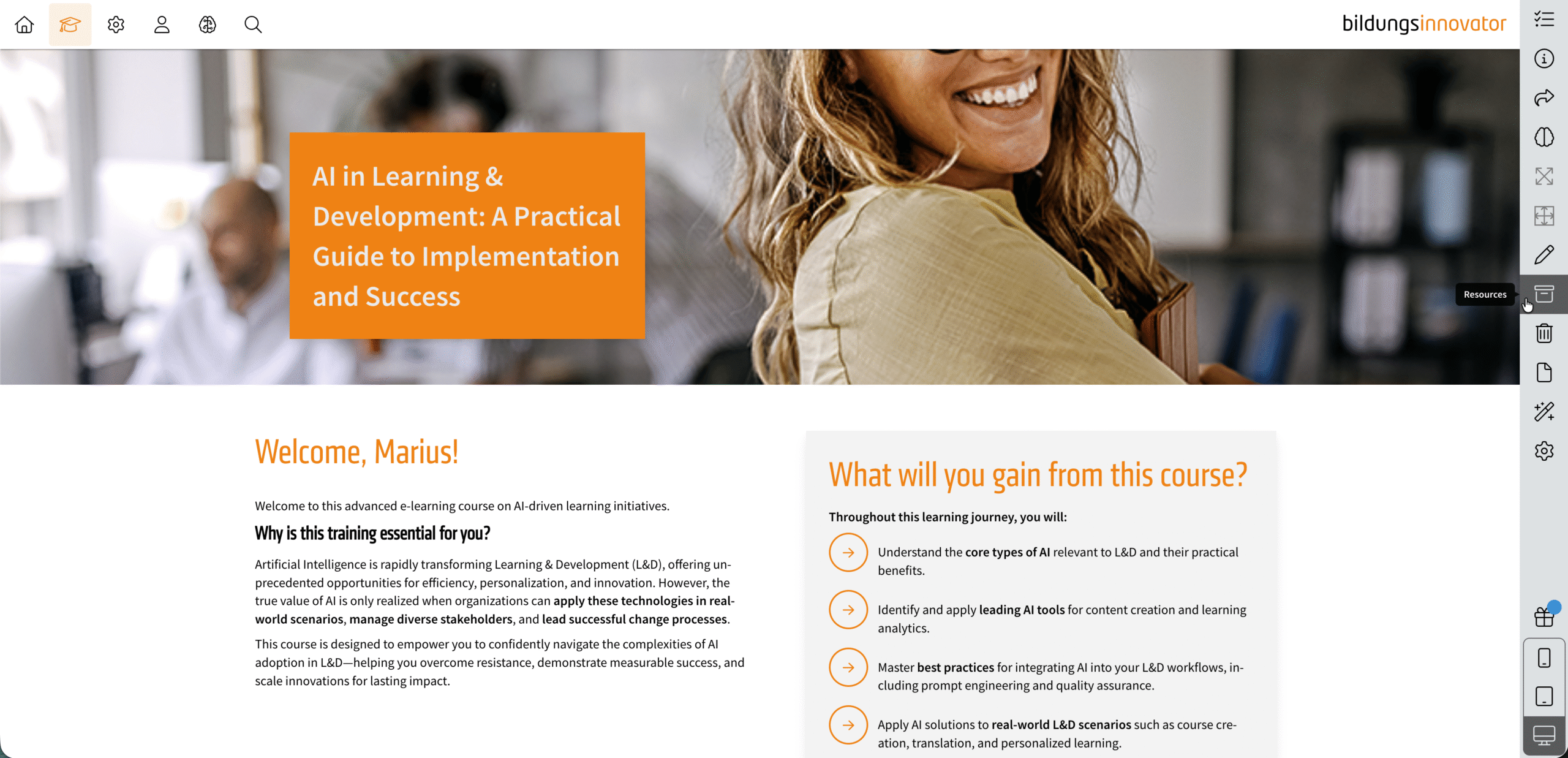
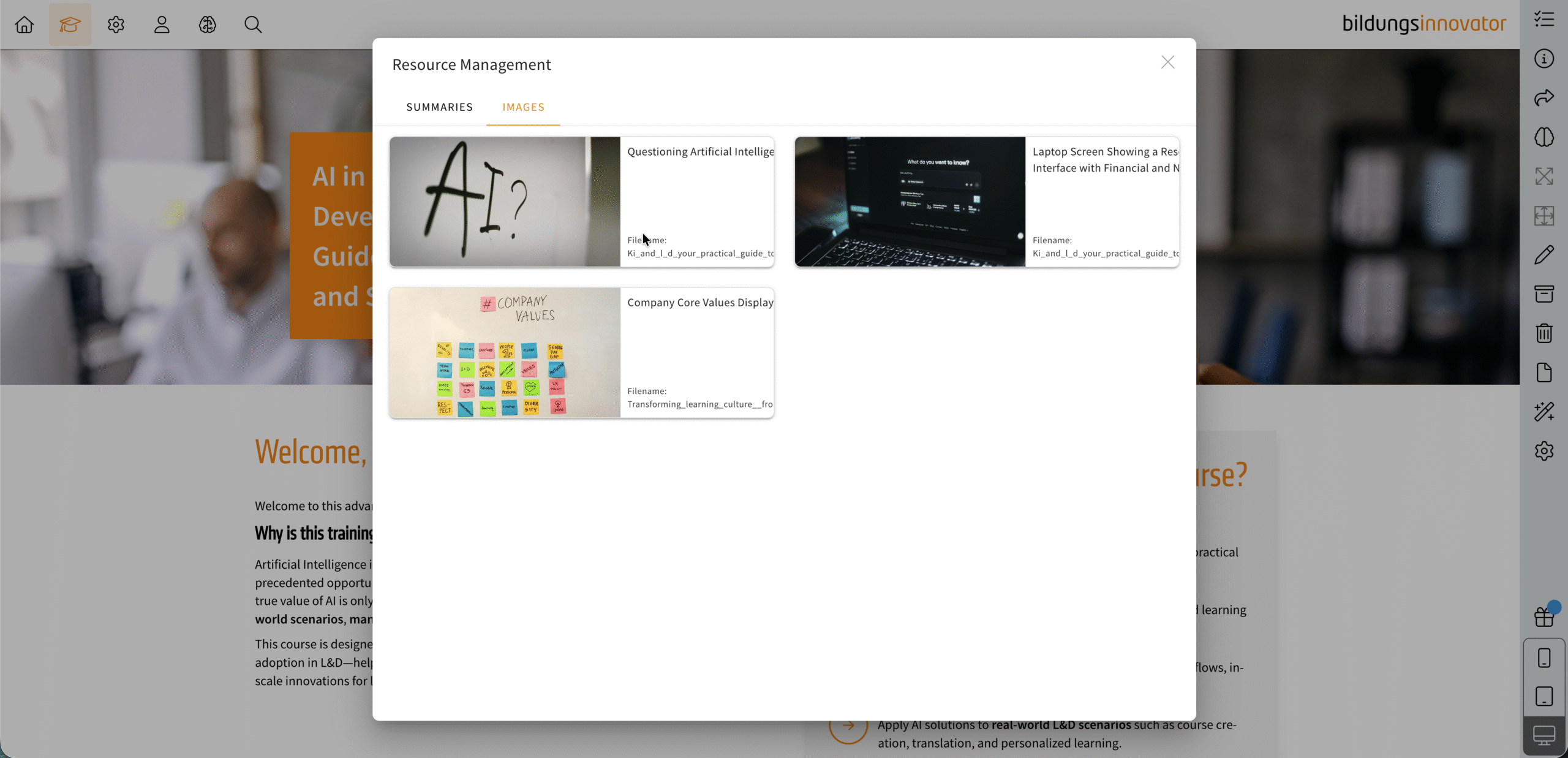
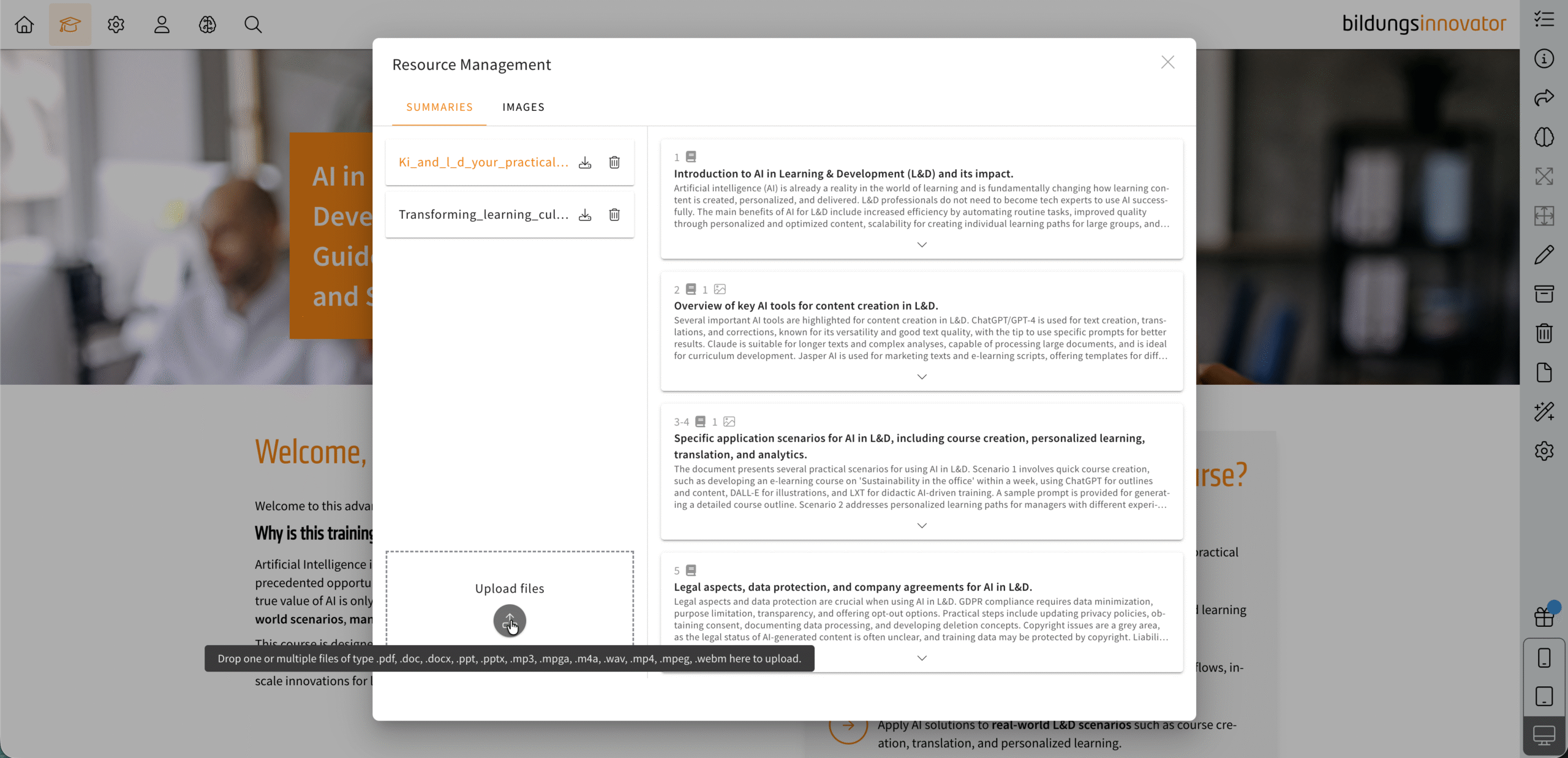
If you work with AI in LXT, there is now a completely new feature in the sidebar in learning modules: Resource Management. When you click on the feature, a dialogue box opens where you can either …
a) access the files processed with Didaktik-AI and the associated summaries and images and/or
b) upload additional or new files and have them processed by the AI. The same file formats are permitted as for the Didactics AI.
How is the processing done?
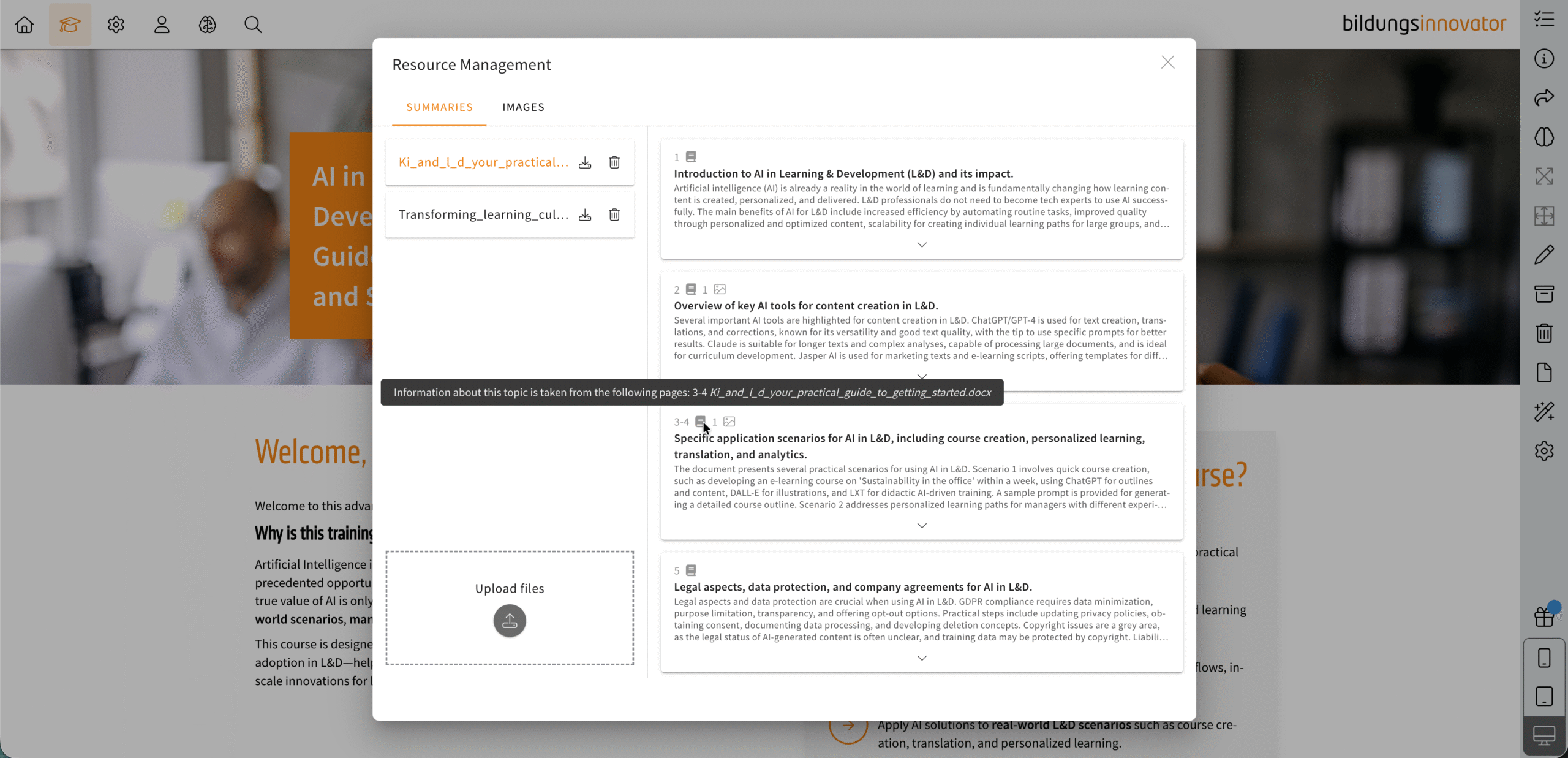
It is created in the same way as the Didactics-AI:
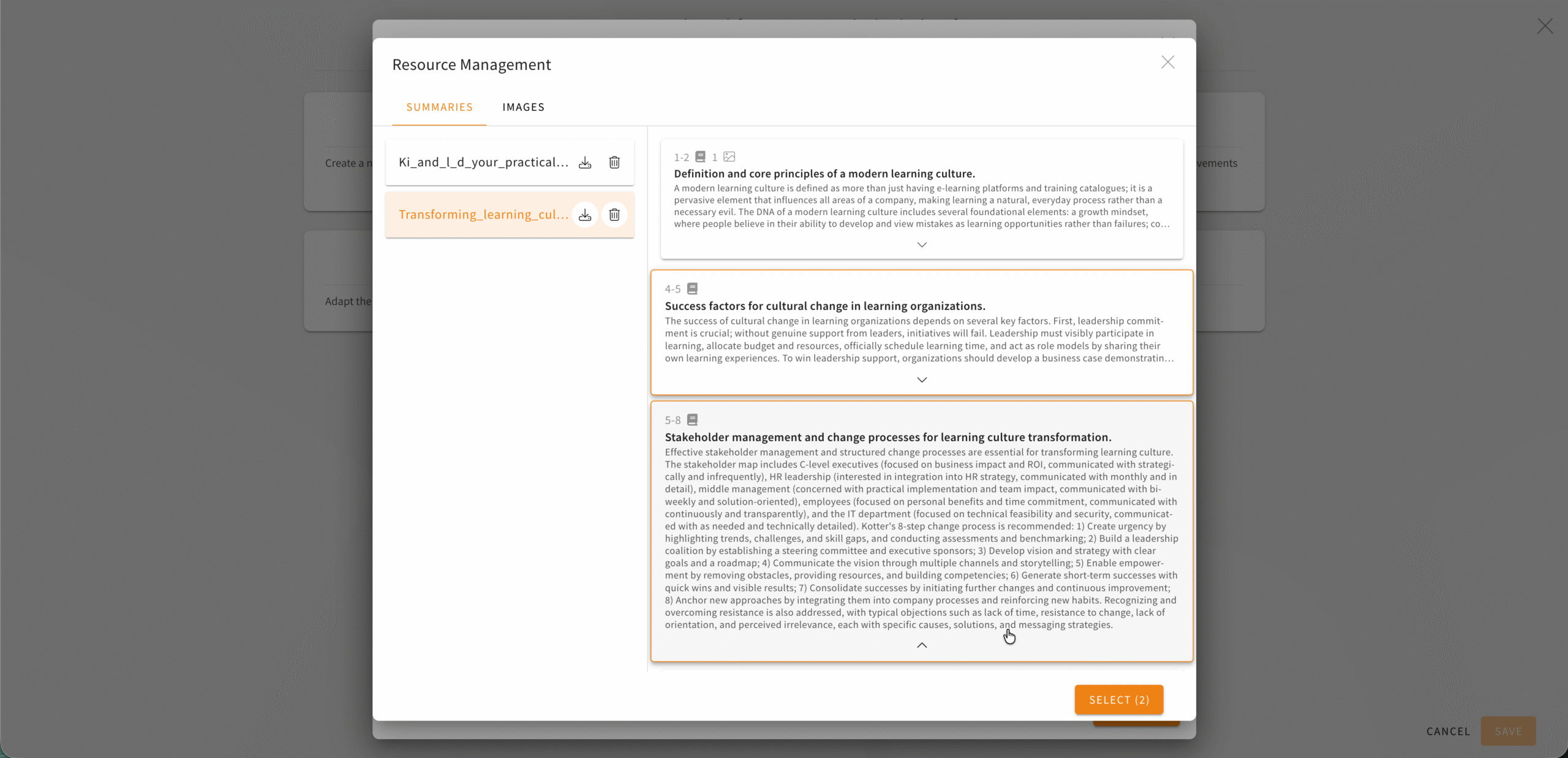
- The texts are summarised. If you click on a processed file, you will see useful summaries on the right-hand side, indicating the positions (e.g. from page 1 of a PDF file) in the material from which the summary originates.
- The images are extracted and displayed in the Images tab. The AI creates a useful compilation here.
- For videos, the audio track is used, transcribed and edited into summaries.
What are the benefits of this feature?
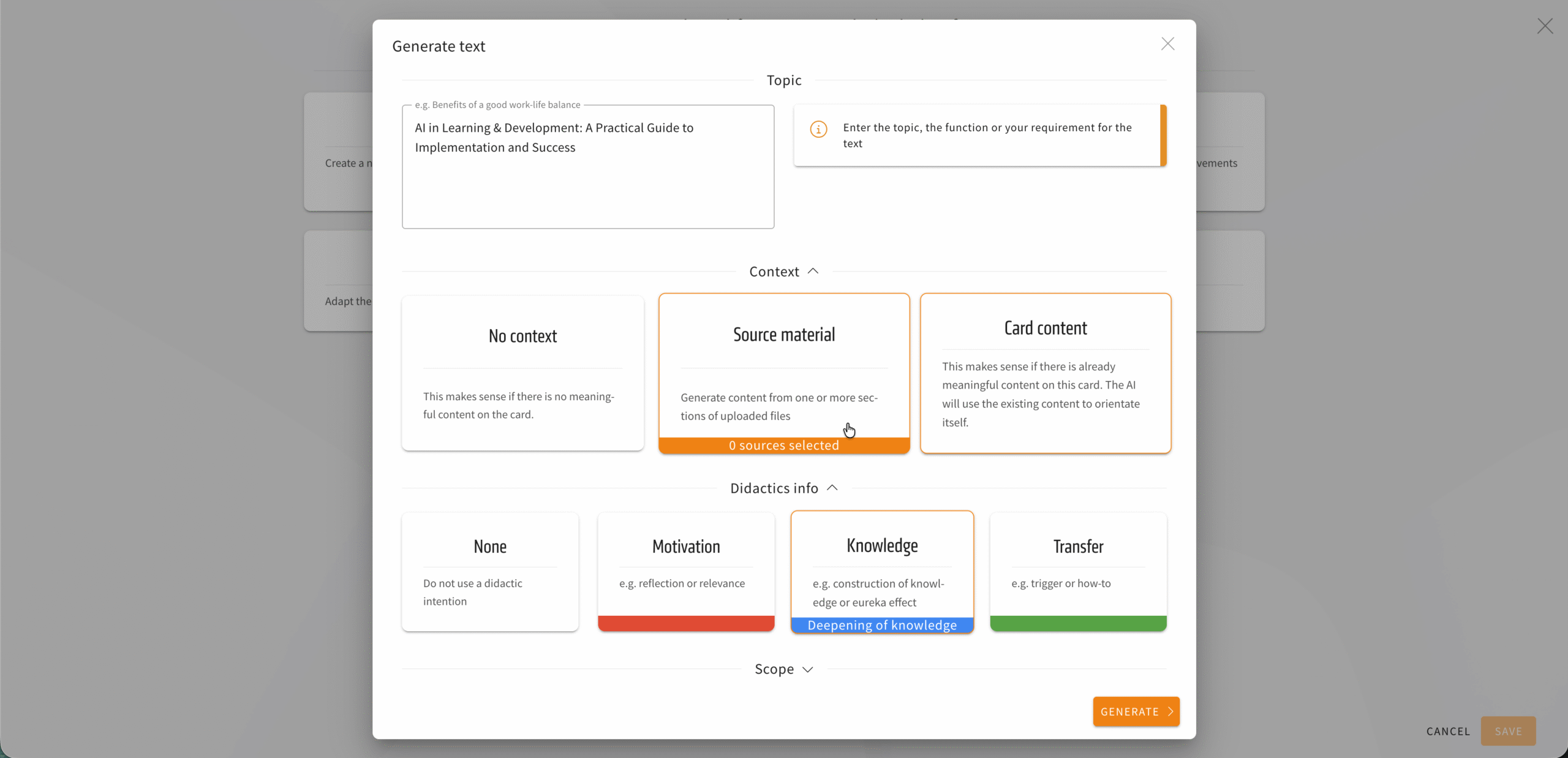
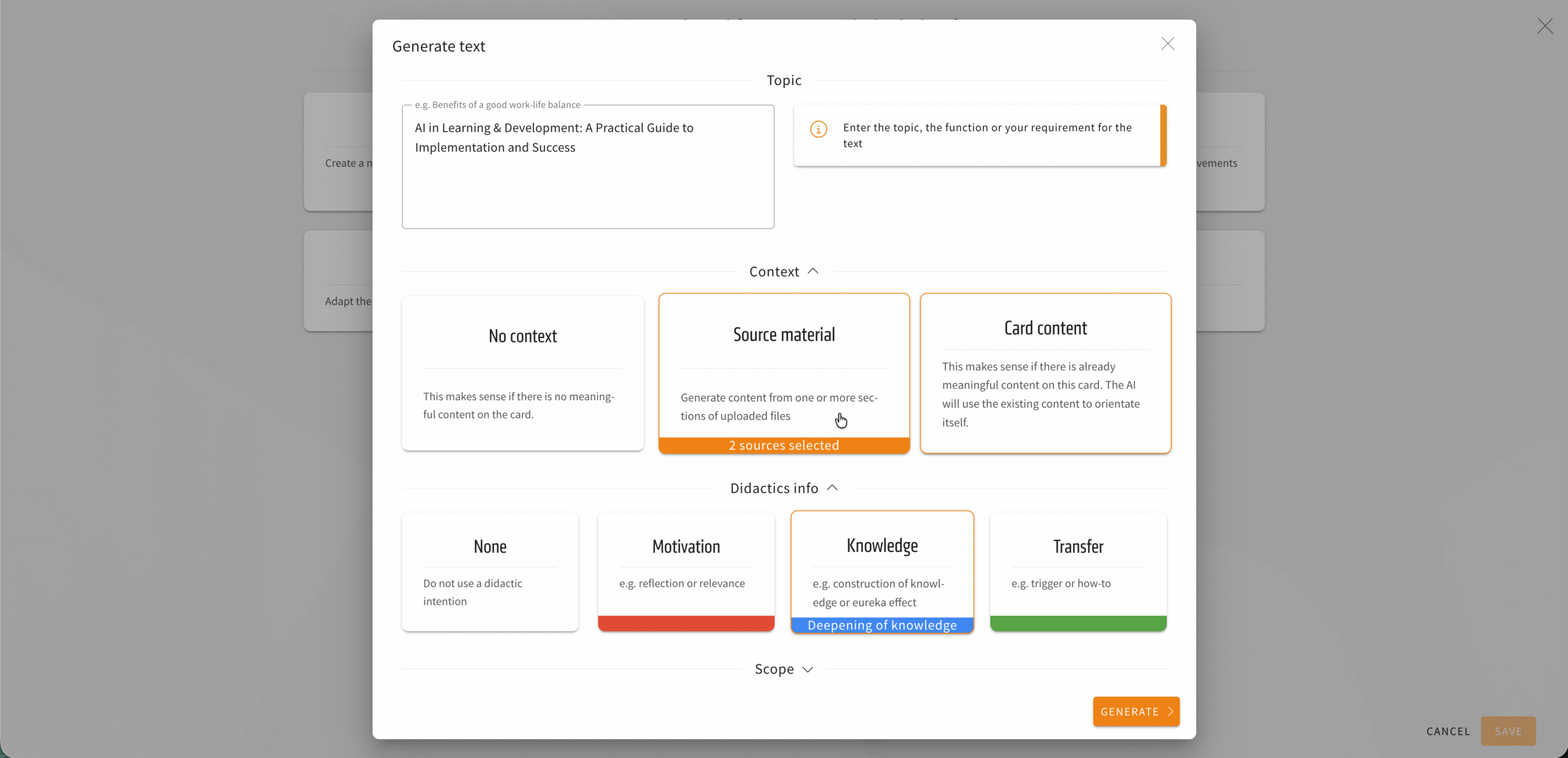
Benefits for text elements: In AI assistance for text elements, resources can now be used as additional context for text generation. This makes it possible, for example, to create a summary of several sections from source material with a simple prompt. It is possible to select one or more sections from the same or different documents. Especially in combination with the new feature for the didactic intent of a text, this opens up many possibilities for creating text faster, easier, and more creatively.
It is also possible to use the content of the card as well as content from resource management together as context for text generation.
Benefits for image elements: For image elements, you can now also add and reuse images from source material directly from resource management.